Why Hot Bird 13E Loses Only Some Channels
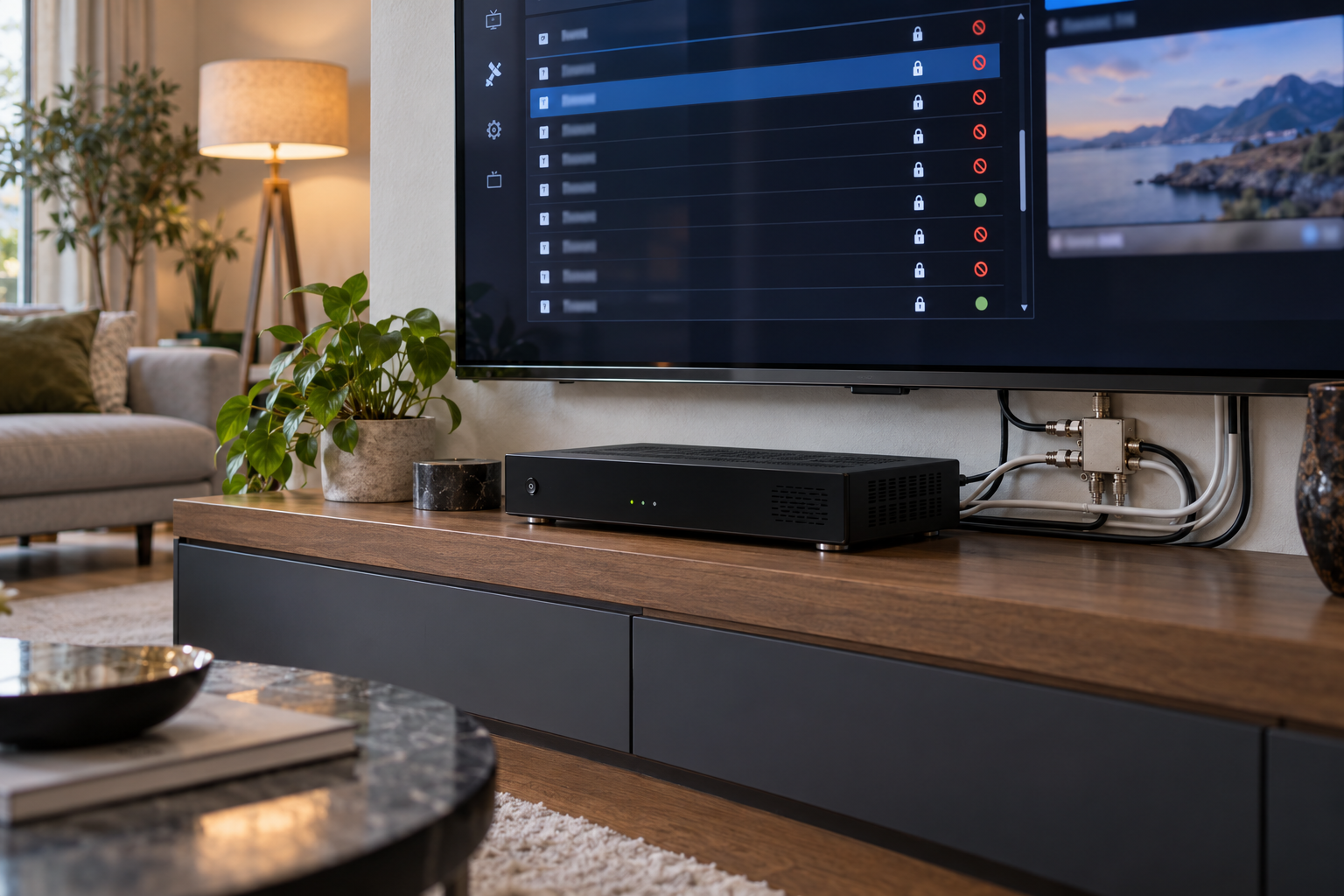
You switch on your satellite receiver and discover that several Hot Bird 13°E channels have disappeared. Others continue playing perfectly, the dish has not moved, and the receiver may still show good signal quality. Why would only part of the channel lineup stop working?
The answer depends on what actually failed. A missing channel entry, a transponder that no longer locks, and a channel that appears in the list but cannot display video are three different problems. Treating all three as weak satellite reception can lead to unnecessary dish adjustments, LNB replacements, or repeated scans that never solve the underlying issue.
Hot Bird 13°E carries television and radio services across multiple satellite transponders. Individual services can change frequency, transmission parameters, service identifiers, or availability without affecting every other channel at the orbital position. Reliable troubleshooting starts by separating RF reception, service discovery, and service decoding or access.
What Does Losing Only Some Hot Bird Channels Actually Mean?
The first mistake many receiver owners make is describing every unavailable channel as having no signal.
Before changing any settings, identify which of these situations applies:
- The channel has disappeared from the list. The receiver may have removed the service, failed to discover it, or retained outdated database information.
- The channel remains listed but displays No Signal. The stored transponder parameters may be outdated, or the receiver may be unable to acquire the corresponding carrier.
- The channel has a stable signal but no picture. Service information, video compatibility, broadcast availability, or conditional access may be involved.
- The channel freezes or breaks into blocks. Insufficient reception margin or transport errors may be affecting the service.
These symptoms can look similar from the viewer’s perspective, but they require different diagnostic procedures.
The fact that another Hot Bird channel works does not prove the affected service is still broadcast on its previous frequency or that the receiver can decode its current format.
The Three Stages of Satellite Channel Reception
A satellite receiver must do more than detect RF energy before it can display a television program.
Understanding the reception chain explains why channels can disappear even when the installation appears healthy.
1. RF Reception and Transport Lock
First, the tuner must acquire the relevant satellite carrier using appropriate frequency, symbol rate, polarization, and transmission parameters.
Its demodulator and error-correction system must then recover a usable digital transport stream or equivalent supported broadcast data structure.
Without successful acquisition, the receiver cannot obtain the service data from that carrier.
2. Service Discovery
Once the transport stream is available, the receiver uses signaling information to identify the services carried within it.
A transponder may carry multiple television channels, radio services, and associated data streams.
Receiving the transponder does not automatically guarantee that every service will appear correctly in the channel list. The receiver must interpret the relevant program and service information.
3. Service Decoding and Access
After identifying a service, the receiver must process its audio and video streams using compatible decoding hardware or software.
If a service is encrypted, viewing additionally requires legitimate access through the applicable conditional-access system.
A receiver can therefore discover a channel without being able to display its content.
A successful RF lock, a discovered service, and a playable television program are separate outcomes. A fault at one stage should not automatically be diagnosed as a failure at another.
When Hot Bird Channels Move or Transmission Parameters Change
Satellite broadcasting networks evolve. Operators can move services between transponders, adjust transmission configurations, replace program streams, or discontinue particular services.
A receiver with older tuning information may continue attempting to open a channel using parameters that are no longer valid.
A Channel Moves to Another Transponder
Suppose a television service previously used one transponder but is subsequently carried on another.
The original channel entry may still point to the old frequency and associated service information.
Other services on Hot Bird will continue working because their transmission parameters have not changed.
A targeted scan of the service’s verified current transponder may restore the channel without requiring a complete scan of the orbital position.
Transmission Parameters Change
Satellite receiver databases typically store information such as frequency, polarization, symbol rate, and transmission characteristics.
If the broadcast configuration changes, old entries may no longer produce a valid lock.
The receiver needs the current parameters and sufficient technical compatibility to acquire the revised transmission.
Always verify present-day information before concluding that a broadcaster has moved or removed a service. A historical frequency listing is not proof of current transmission.
How Service Information Can Make Channels Disappear
Digital satellite television uses program and service information tables to describe what a transport stream contains.
Several tables are particularly relevant when diagnosing disappearing services.
| Table | Primary Function | Why It Matters |
|---|---|---|
| PAT | Associates program numbers with their PMT locations | Helps the receiver locate service program information |
| PMT | Identifies elementary streams belonging to a service | Provides information needed to select audio, video, and related streams |
| SDT | Describes services within transport streams | Supports service identification and channel-list information |
| NIT | Describes network and transport-stream information | Can support network-based scanning and discovery |
Receivers use this information to build and maintain their service databases. The exact behavior depends on their software and supported DVB features.
Service ID and Stored Channel Entries
A service is identified within its broadcasting context using information that can include its service ID, transport-stream ID, and original-network ID.
If service identification or associated stream information changes, an old saved channel entry may no longer correspond to the intended service.
Some receivers update this information automatically. Others may retain an outdated entry or require another scan.
Deleting every channel is not necessarily required. A manual scan can often update the affected transponder while preserving unrelated services.
Receiver Scan Settings That Can Hide Hot Bird Channels
Sometimes the transmission remains available, but the receiver’s scan configuration prevents the channel from appearing.
Free-to-Air and Encrypted Service Filters
Many satellite receivers allow users to scan for free-to-air services only or include both free and encrypted services.
If a service is classified as encrypted and the scan is restricted to free-to-air channels, that service may be excluded from the results.
This filter affects discovery and storage, not the RF signal itself. Finding an encrypted service does not provide authorization to view it.
Television and Radio Filters
Receivers may also separate television and radio services or exclude certain service types from their lists.
Check whether the missing service is hidden by a list filter, service-type setting, or favorite-channel selection before running a new scan.
Manual Scan, Network Scan, and Blind Scan
These scanning methods do not necessarily produce identical results.
- Manual scan: Searches using specified transponder parameters.
- Network scan: May discover additional transport streams through broadcast network information, depending on receiver implementation and transmitted data.
- Blind scan: Attempts to detect carriers without relying exclusively on a preloaded transponder list, within the receiver’s supported capabilities.
For a small number of missing channels, a verified manual scan is usually the most controlled starting point.
A blind scan may help when current carrier parameters are unknown, but it cannot compensate for an unusable RF signal or unsupported transmission technology.
When the Receiver Finds a Channel but Cannot Play It
A channel appearing in the service list does not guarantee that its video can be displayed.
This is particularly important with receivers that support older transmission standards or a limited selection of media codecs.
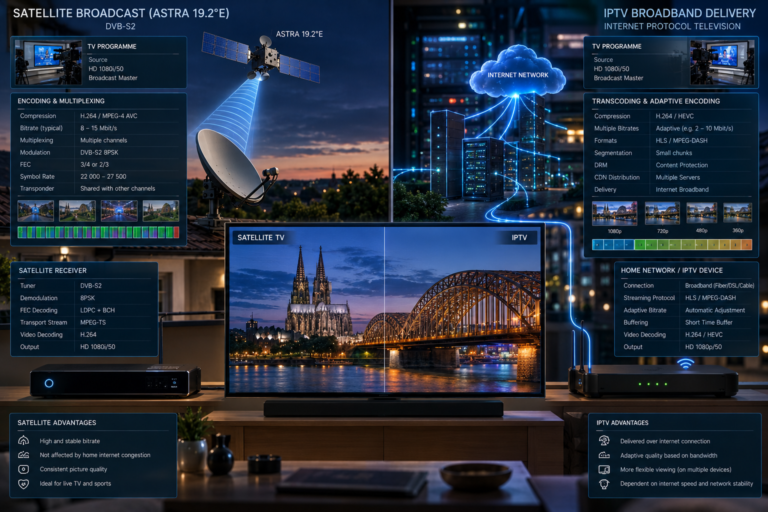
DVB-S and DVB-S2 Compatibility
A DVB-S-only receiver cannot demodulate a DVB-S2 carrier merely by updating its channel list.
If a broadcaster changes to a transmission format unsupported by the receiver, the relevant services may become unavailable even though other channels continue working.
Some newer transmission configurations can also require capabilities beyond basic DVB-S2 support.
Video Codec Limitations
A receiver may lock a transport stream and discover its services but lack the decoder needed for the transmitted video format.
For example, support for H.264/AVC does not automatically imply support for H.265/HEVC.
Audio codec support and other playback capabilities can create additional compatibility problems.
Before replacing the dish or LNB, compare the service’s verified technical format with the receiver’s specifications.
Encrypted Services and Broadcast Availability
Some Hot Bird services use conditional-access systems. A channel may be detected and listed correctly without being viewable by an unauthorized receiver.
Similarly, a service entry may remain present even when the broadcaster is not currently providing its normal video or audio programming.
Neither situation automatically indicates weak reception.
When Missing Channels Are Actually an RF Reception Problem
Channel-list and compatibility problems should be investigated first when the receiver already reports a valid lock on the affected transponder.
However, an actual loss of RF reception can selectively remove groups of channels.
Several Missing Channels Share One Transponder
If multiple unavailable channels are carried on the same verified transponder, test that carrier directly.
A loss of lock can affect every service transported through it while leaving services on other transponders operational.
Possible causes include insufficient reception margin, LNB or cable problems, interference, or incorrect tuning parameters.
Even when a receiver shows a reasonable signal level, the carrier may lack enough modulation quality for reliable decoding.
Our related article, Why Astra Signal Quality Changes Across Frequencies, examines how transponder characteristics and reception hardware produce frequency-dependent performance. The same general RF principles are useful when investigating groups of missing Hot Bird services.
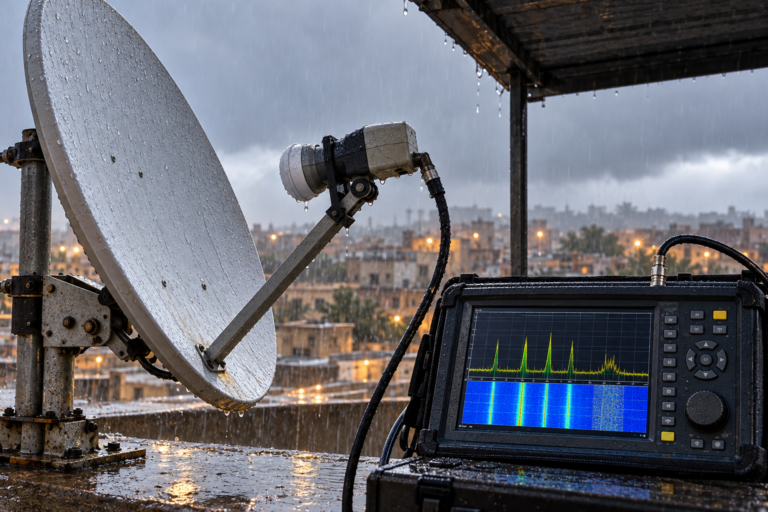
Channels Disappear During Rain
If the same channels work in clear weather but repeatedly fail during rainfall, investigate the available rain margin.
Ku-band satellite signals experience rain-related attenuation. A carrier with limited clear-sky margin can reach its decoding threshold sooner than another carrier using the same dish.
This selective failure is explored in Why One Astra Transponder Breaks Up in the Rain. Although the example concerns Astra 19.2°E, the engineering explanation involving atmospheric attenuation and unequal transponder margins also applies to Hot Bird reception.
Rain-related failures can also expose an installation with limited pointing margin or compromised outdoor connections.
Do not assume every weather-related loss requires a larger dish. First establish whether the problem is insufficient antenna gain, alignment, or defective equipment.
A Polarization or Band Is Missing
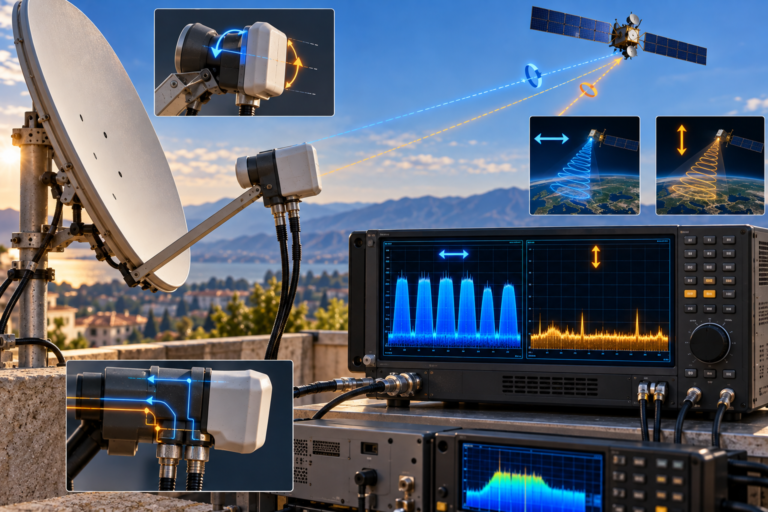
When affected services consistently belong to one polarization or frequency band, investigate LNB switching and distribution settings.
Conventional universal LNB systems use control voltage for polarization selection and a 22 kHz tone for band selection.
Quattro/multiswitch and Unicable/SCR systems distribute and select signals differently, so their diagnostic procedures must match the installed architecture.
What the Missing-Channel Pattern Tells You
| Observed Symptom | Possible Cause | First Diagnostic Action |
|---|---|---|
| Channel disappears from the saved list | Database update, scan filter, or service change | Check service listings and channel filters |
| Several missing channels share a transponder | Carrier loss or outdated transmission parameters | Verify parameters and test RF lock |
| Channel is listed with stable lock but black video | Codec, service signaling, broadcast, or access issue | Check service and receiver compatibility |
| Only certain channels fail in rain | Insufficient reception margin | Compare clear-sky and rain-period carrier quality |
| Missing services cluster on H or V | Polarization switching or signal-path problem | Test representative carriers on both polarizations |
| Only one receiver loses channels | Local tuner, cable, settings, or database issue | Compare equivalent reception paths |
| Channels disappeared after a broadcaster update | Changed service or transponder parameters | Check current technical listings and rescan selectively |
No single symptom conclusively identifies the cause. Use the pattern to decide what to measure or verify next.
Step-by-Step: Restore Missing Hot Bird Channels
Step 1: Identify the Exact Missing Services
Write down the affected channel names and whether each is missing, showing No Signal, freezing, or displaying a black screen.
Check whether the channels have been moved to another receiver list or hidden by favorites and service-type filters.
Step 2: Verify Current Broadcast Information
Use a reliable, recently updated source to confirm whether the affected services are still transmitted and identify their current transponder parameters.
If a service has been discontinued, a new scan cannot restore a broadcast that is no longer available.
Step 3: Check Whether the Services Share a Carrier
Group the affected channels by transponder rather than assuming they have independent faults.
If several services share one failing carrier, test that carrier before investigating each channel separately.
Step 4: Test Actual RF Lock and Signal Quality
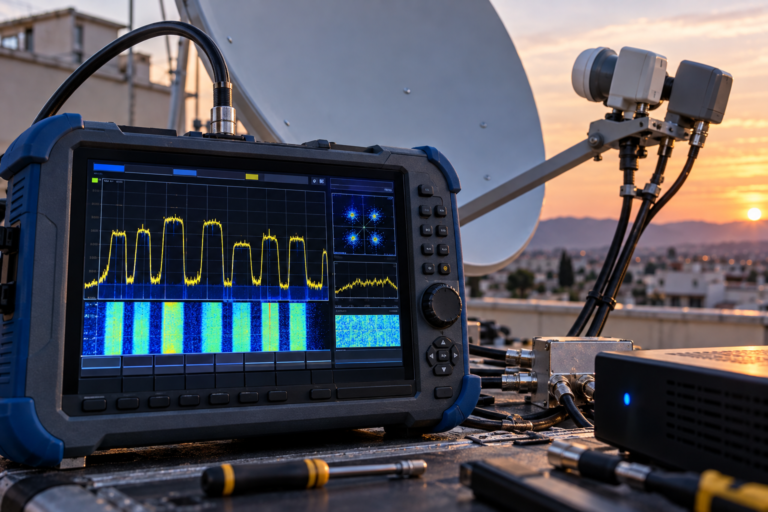
Use the receiver’s transponder information screen or suitable measuring equipment.
Confirm whether the carrier locks and, where available, inspect MER, C/N, and relevant error measurements.
Receiver signal-quality percentages are manufacturer-specific and should not be treated as standardized engineering readings.
Step 5: Check Receiver Compatibility
If the carrier locks and the service is discovered, check whether the receiver supports the required video, audio, and transmission formats.
Also establish whether the service is free-to-air or requires legitimate conditional access.
Step 6: Perform a Targeted Manual Scan
When the correct transponder is receivable, scan it using current parameters.
Check the new service entries before removing old ones. This reduces the risk of unnecessarily disrupting an organized channel list.
Step 7: Expand the Diagnosis Only When Necessary
If multiple transponders remain missing, examine LNB configuration, polarization selection, cable routing, DiSEqC settings, and antenna alignment.
For complex multiswitch or SCR/dCSS systems, follow the manufacturer’s configuration requirements rather than testing with assumptions intended for a directly connected universal LNB.
Identify the symptom → Verify current service data → Test transponder lock → Check receiver compatibility → Scan selectively → Investigate the RF system if required.
This sequence avoids treating an outdated channel entry as an antenna fault or assuming that every black screen requires another scan.
Should You Perform a Full Rescan?
A full scan has a legitimate role when substantial changes have occurred across the receiver’s service database or when many current services are missing.
However, it should not be the automatic first response to every disappearing channel.
If a single service has moved to a verified transponder, a targeted scan is often more efficient.
If the receiver already acquires the transponder but cannot decode the video format, repeating the scan will not add the missing codec capability.
If the carrier fails to lock because of inadequate RF quality, a full scan cannot restore the missing reception margin.
Some receivers may also duplicate services or disturb channel ordering after a broad scan.
Back up the existing channel database where supported and confirm the actual cause before choosing the scanning method.
Reality Check: Good Signal Does Not Guarantee Every Channel
A strong Hot Bird signal reading on one transponder does not prove that every other carrier is receivable.
Likewise, successful reception of the carrier carrying a missing channel does not establish that the service information is current, the broadcast is active, or the receiver supports its video format.
Missing channels can result from transmission changes, scanning behavior, compatibility limitations, access restrictions, or genuine RF problems. These explanations should be tested separately.
Do not replace the LNB or realign the dish simply because a few channel names disappear from the receiver’s list.
Final Verdict
When Hot Bird 13°E loses only some channels, the first task is to identify whether the problem involves RF reception, service discovery, or playback.
Channels that have moved or changed transmission parameters may require updated tuning information. Channels excluded by scan filters may need different receiver settings. Services that lock but cannot play may require compatible decoding capabilities or authorized access.
When several affected services share a transponder and the receiver cannot maintain lock, the investigation shifts toward signal quality, LNB behavior, cabling, switching, and antenna alignment.
A systematic diagnosis is more effective than repeatedly rescanning or replacing components without evidence.
Frequently Asked Questions
Why have only some Hot Bird channels disappeared?
Individual services may move, change transmission parameters, or become unavailable. Receiver scan filters, outdated service entries, compatibility limitations, and transponder-specific RF problems can also affect only part of the lineup.
Can Hot Bird channels disappear even when signal quality is good?
Yes. A valid signal-quality reading does not guarantee that the receiver has current service information or the ability to decode every program carried on the transponder.
Will a manual scan restore missing Hot Bird channels?
It may restore services when the receiver can acquire their current transponder and supports the relevant transmission format. A manual scan cannot repair a signal-path fault or restore a discontinued service.
Why does a Hot Bird channel appear in the list but show a black screen?
Possible explanations include unsupported video decoding, unavailable broadcast content, conditional-access restrictions, or incorrect service information. Check whether the carrier locks and whether the receiver can identify and process the service streams.
Can rain cause only some Hot Bird channels to disappear?
Yes. Transponders can have different available reception margins. Rain-related attenuation may push a marginal carrier below its decoding threshold while other carriers remain usable.
Do I need a new LNB if some Hot Bird channels are missing?
Not necessarily. First verify current service parameters, check the receiver’s configuration, and identify whether the affected carrier actually loses lock. Consider LNB testing only when the failure pattern supports a hardware or switching issue.
Is a full rescan better than a manual scan?
Neither is universally better. A manual scan is appropriate for a known affected transponder, while a broader scan can be useful when extensive service information has changed. The correct choice depends on the diagnosed problem.