The Real Cause Of Pixelation On Eutelsat 16E HD Channels
Estimated reading time: 18 minutes.
- Why digital pixelation occurs.
- BER and transport stream corruption.
- Signal quality vs signal strength.
- DVB-S2 decoding sensitivity.
- Rain fade and environmental effects.
- LNB instability and frequency drift.
- Receiver synchronization failure.
- Practical solutions for HD stability.
- What Pixelation Actually Means
- How Digital Video Is Reconstructed
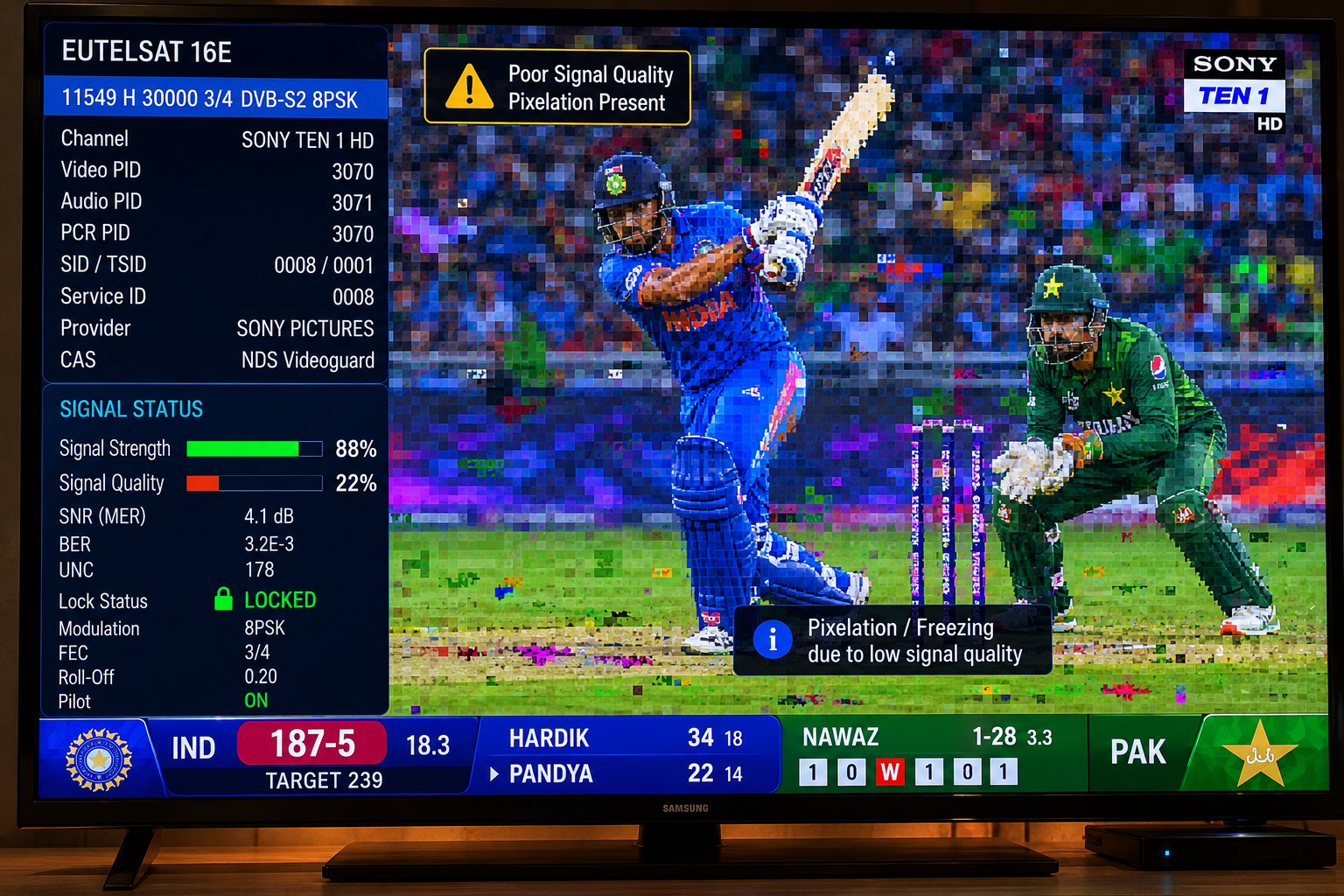
- BER Is Usually The Main Cause
- Why Signal Quality Matters More Than Strength
- DVB-S2 Makes Pixelation More Visible
- Signal Margin And HD Stability
- LNB Problems That Trigger Pixelation
- Weather And Environmental Effects
- Receiver Synchronization And Image Recovery
- Technical Comparison Table
- How To Eliminate Pixelation
- Reality Check
- Final Verdict
- FAQ
What Pixelation Actually Means
Pixelation is not random image damage.
It is a symptom of missing or corrupted digital information.
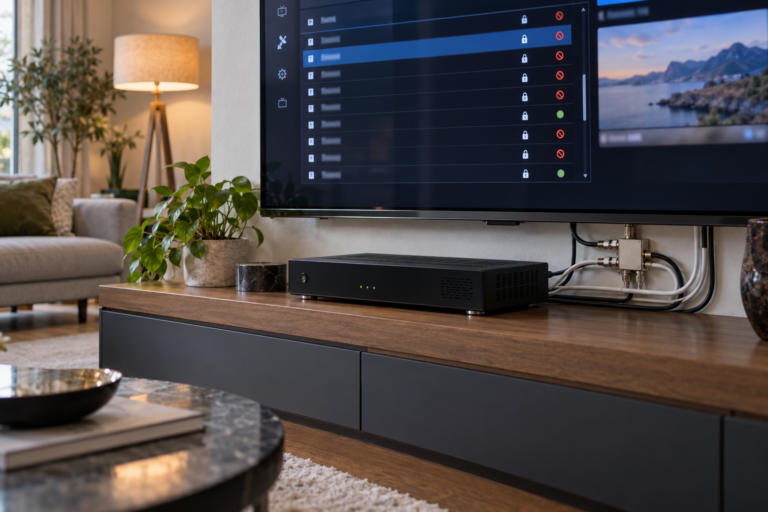
Unlike analog television, where weak signals create snow and noise, digital television attempts to rebuild the original image from incoming data packets.
When enough packets are lost or corrupted, the receiver can no longer reconstruct parts of the picture correctly.
Instead of showing gradual degradation, the image breaks into blocks.
This is why digital television often looks perfect until a specific threshold is crossed.
Once that threshold is exceeded, visible pixelation appears almost immediately.
How Digital Video Is Reconstructed
Every HD channel on Eutelsat 16E is transmitted as a compressed digital stream.
The receiver continuously collects packets from the incoming signal and rebuilds complete video frames.
This process depends on accurate timing and error correction.
If packets arrive correctly, the picture remains stable.
If too many packets become corrupted, sections of the image cannot be rebuilt.
The receiver fills the missing information as best it can, creating visible blocks and image distortion.
BER Is Usually The Main Cause
BER stands for Bit Error Rate.
It measures how many transmission errors exist inside the incoming signal.
All satellite signals contain some errors.
Modern receivers automatically repair small numbers of them.
Problems begin when BER rises faster than correction systems can compensate.
As BER increases, missing information accumulates.
The receiver begins losing portions of the video stream.
Pixelation becomes visible because the image can no longer be reconstructed accurately.
In most cases, pixelation is a direct consequence of elevated BER.
Why Signal Quality Matters More Than Strength
Many viewers focus on signal strength because it is the easiest number to see.
Unfortunately, signal strength often provides an incomplete picture.
A receiver may display high strength while quality remains weak.
Signal quality determines how clean and usable the data stream actually is.
Poor quality leads directly to higher BER.
Higher BER leads directly to pixelation.
This is why technicians usually prioritize quality measurements during troubleshooting.
DVB-S2 Makes Pixelation More Visible
Most HD services on Eutelsat 16E use DVB-S2 transmission technology.
DVB-S2 dramatically improves bandwidth efficiency.
However, it also operates closer to decoding limits.
Small reductions in signal quality can affect DVB-S2 streams more aggressively.
The result is that HD channels often begin pixelating before older DVB-S channels show any symptoms.
This does not mean the HD channel is weaker.
It simply requires cleaner decoding conditions.
Signal Margin And HD Stability
Signal margin is the hidden reserve above the minimum decoding threshold.
Strong installations maintain comfortable margin.
Weak installations operate much closer to the edge.
When environmental conditions change, the available margin shrinks.
BER rises.
Pixelation appears.
This is why some viewers experience occasional pixelation while others using similar equipment enjoy perfectly stable reception.
The difference is often signal margin rather than signal strength.
LNB Problems That Trigger Pixelation
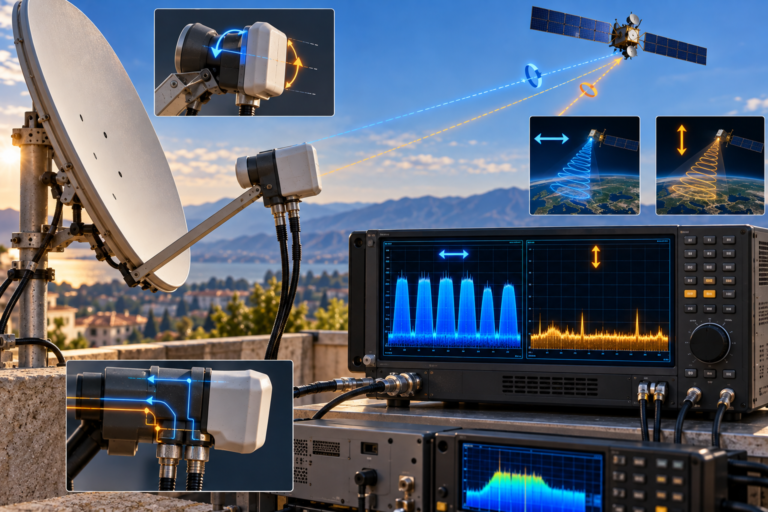
The LNB plays a major role in HD stability.
Aging components, frequency drift, thermal instability, and excessive noise can all increase BER.
The receiver still sees signal.
The quality of that signal gradually deteriorates.
Pixelation becomes one of the earliest warning signs.
This is why low-quality or aging LNBs often affect HD channels first.
The system continues working, but the available decoding margin becomes smaller.
Weather And Environmental Effects
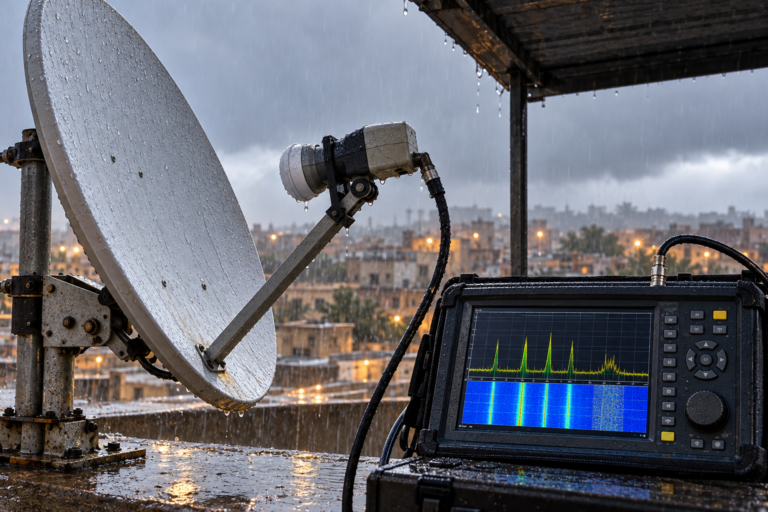
Rain, humidity, and atmospheric attenuation all reduce available signal margin.
Heavy rain is especially important because microwave frequencies lose energy as they pass through dense water droplets.
Strong installations absorb these losses.
Marginal installations begin producing BER spikes.
Those spikes often appear first as brief pixelation.
If conditions worsen, complete channel loss may follow.
Receiver Synchronization And Image Recovery
Receivers constantly synchronize themselves with incoming digital streams.
As BER increases, synchronization becomes more difficult.
The receiver may lose portions of the stream temporarily.
Once quality improves again, synchronization recovers.
This creates the familiar pattern where pixelation appears briefly before disappearing.
The receiver is continuously attempting to restore normal decoding conditions.
Technical Comparison Table
| Condition | Stable HD Reception | Pixelating HD Reception |
|---|---|---|
| BER | Low | Elevated |
| Signal quality | Stable | Fluctuating |
| Signal margin | Comfortable reserve | Near threshold |
| LNB stability | Consistent | Possible drift or noise |
| DVB-S2 decoding | Reliable | Under stress |
| Image appearance | Smooth video | Blocks and distortion |
How To Eliminate Pixelation
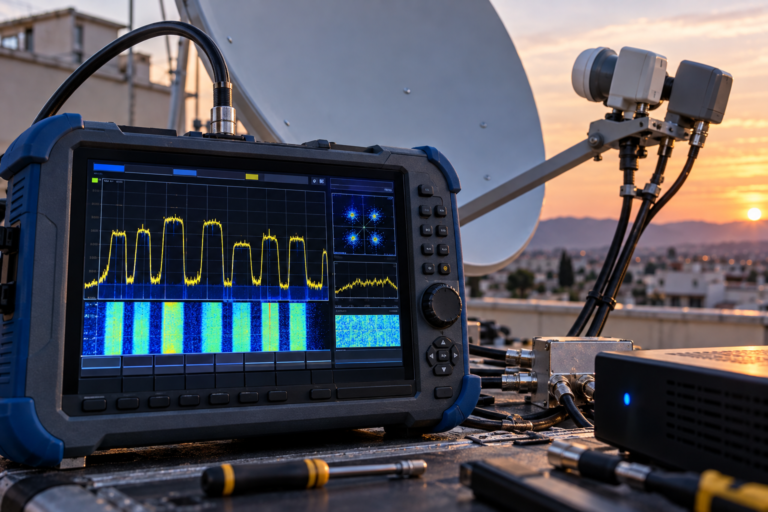
Begin by maximizing signal quality rather than signal strength.
Fine-tune dish alignment carefully.
Inspect the LNB for age-related instability or excessive noise.
Check connectors for corrosion and moisture.
Verify cable integrity throughout the installation.
Monitor BER whenever possible.
A stable low BER value is one of the strongest indicators of healthy reception.
Increasing signal margin often solves pixelation long before complete channel failures occur.
For additional information about why channels sometimes disappear completely after quality problems become severe, read The Real Reason Eutelsat 16E Channels Vanish Randomly.
Pixelation is rarely caused by the broadcaster itself. In most cases it is a local reception issue involving BER spikes, weak signal margin, unstable LNB behavior, weather effects, or synchronization problems inside the receiving system.
The real cause of pixelation on Eutelsat 16E HD channels is usually elevated BER combined with insufficient signal margin. HD DVB-S2 transmissions require clean reception conditions, and even small quality losses can create visible image blocks. By improving signal quality, stabilizing the LNB, optimizing alignment, and maintaining low BER, most pixelation problems can be eliminated before they develop into complete channel loss.
FAQ
| Question | Answer |
|---|---|
| What causes pixelation on HD channels? | Usually BER spikes and insufficient signal quality. |
| Can strong signal strength still produce pixelation? | Yes. Signal quality is far more important than strength alone. |
| Why do HD channels pixelate before SD channels? | DVB-S2 HD services require cleaner decoding conditions. |
| Can an LNB create pixelation? | Yes. Noise, aging, and frequency drift often increase BER. |
| Does rain cause pixelation? | Yes. Rain can reduce signal margin and increase decoding errors. |
| What is the best measurement to monitor? | Signal quality and BER provide the most useful diagnostic information. |