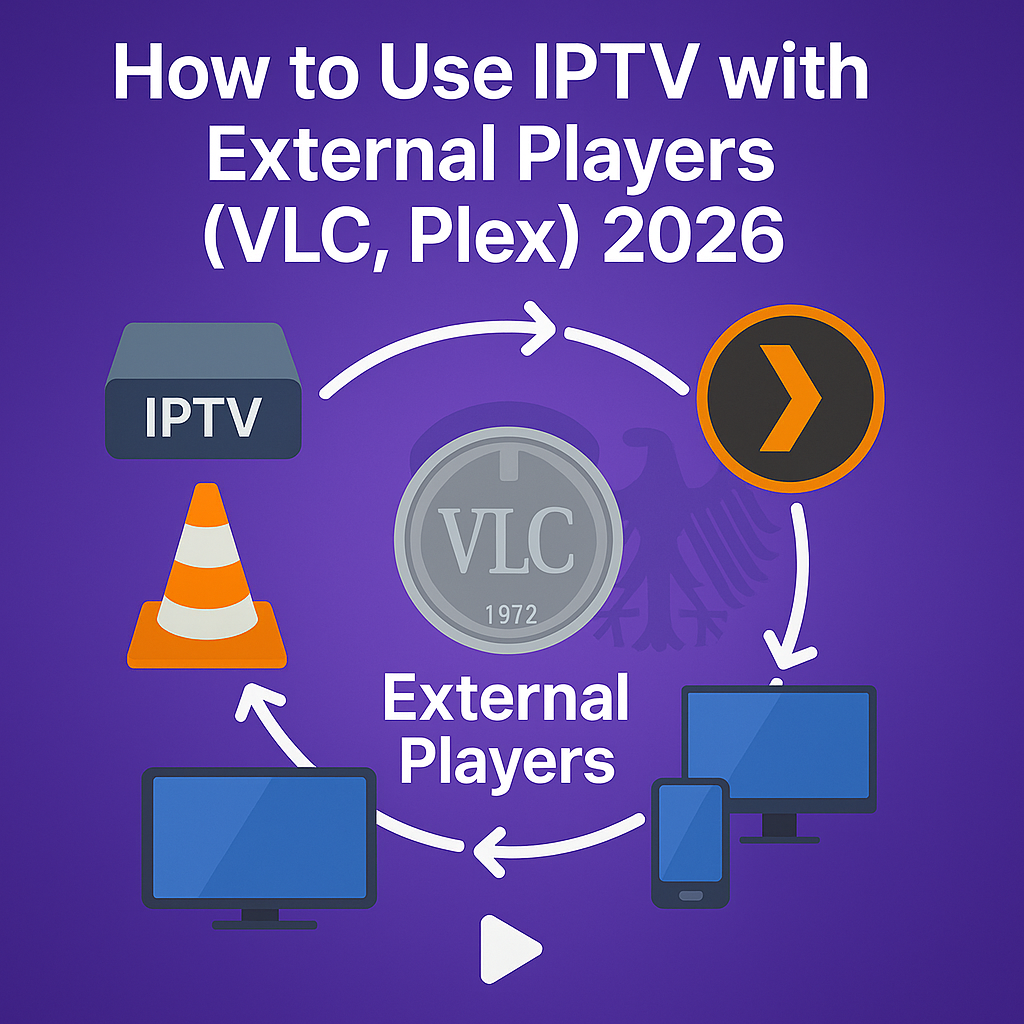
How to Use IPTV with External Players (VLC, Plex) 2026
Intro, Backstory & Why This Matters
Most people watch IPTV through built-in apps or boxes. But what if you could route your IPTV streams into your favorite media players—VLC, Plex, or others—and enjoy the flexibility, features, and polish those platforms provide? That’s what using IPTV with external players is all about in 2026.
I used to get frustrated when IPTV apps hit limitations—like “unable to skip ads”, “playlist reload needed”, or weak interfaces. One day, I tried feeding IPTV streams into VLC. Suddenly I had advanced tools: equalizers, subtitles, custom skins, advanced buffering settings… the works. That experience made me realize: external players unlock a deeper level of control.
Why this matters?
- Better customization. VLC and Plex offer rich playback controls.
- Unified media library. Combine IPTV with your own videos, music, and photos.
- Cross-device sync. Use the same media server or player across devices with consistent experience.
How to Use IPTV with VLC
Let’s begin with the classic: VLC. It’s powerful, flexible, and reliable.
- Step 1: Open VLC and go to “Media ➜ Open Network Stream.”
- Step 2: Insert the IPTV M3U URL or Xtream link. Paste your playlist or portal address.
- Step 3: Press “Play.” VLC will begin streaming your channels.
- Step 4: Save the playlist (optional). You can save it as an M3U for quicker access later.
- Step 5: Use VLC features. Use subtitles, audio switching, equalizer, caching settings, and more.
How to Use IPTV with Plex
Plex isn’t traditionally built for IPTV—but with some tweaks, you can blend your IPTV streams into Plex’s polished library environment.
- Step 1: Use IPTV plugin / channel. Older versions of Plex had IPTV plugins. In 2026, you may use third-party community channels or integrated IPTV support in Plex’s server setup.
- Step 2: Add the IPTV playlist as a “Live TV / DVR” source. In Plex Server settings, under Live TV & DVR, insert your M3U file as a tuner source.
- Step 3: Map EPG data. Use XMLTV or EPG link to populate channel guides in Plex.
- Step 4: Watch IPTV like TV. Once set, your IPTV channels appear just like any other live channel in Plex.
Performance & Configuration Tips
Using external players gives you power—but you still need to optimize.
- Enable hardware decoding. In VLC or Plex, enable hardware (GPU) decoding to reduce CPU load.
- Adjust caching/buffer values. Increase buffer for shaky networks.
- Sync playlists across devices. Store your M3U file on a NAS or cloud so each device uses the same list.
- Use separate network segment (VLAN). Plex/IPTV traffic on its own path avoids interference from other devices.
Reality Check
Here’s the real talk: external players like VLC or Plex can handle IPTV beautifully—but they’re not magic. Some IPTV channels may use DRM, proprietary protocols, or encryption that basic players can’t parse. And not all Plex versions support dynamic playlist updates anymore, so you may need to re-import occasionally.
In 2026, things are better—many IPTV providers adopt standard protocols and Plex is more flexible. But your mileage depends on provider, stream format, and how up-to-date your player is.
FAQ
- Q: Can VLC play 4K IPTV?
A: Yes, as long as hardware decoding is supported and your device is powerful enough. - Q: Does Plex naturally support IPTV?
A: Not always. You may need plugins or “Live TV & DVR” setup with M3U playlists. - Q: Will I lose features using external players?
A: You may lose provider-specific custom UIs, but gain flexibility, stability, and control. - Q: How often do I need to refresh playlists?
A: Depends on your provider—some change links daily; external players may need reload. - Q: Is streaming IPTV via Plex legal?
A: Yes—if your IPTV source is legal and you follow providers’ terms and local laws.
Final Verdict
Using IPTV with external players like VLC or Plex is a smart move in 2026. You gain control, flexibility, and a unified media experience. It’s not perfect—some channels may resist—but for most users, it’s a win.
My verdict? Try it. If your IPTV provider offers clean streams and your hardware is capable, external players will make your viewing smoother, stronger, and more fun.
👉 Ready to stream IPTV on your favorite player? Check here: https://www.cccam2.net/premium-iptv/