Why DiSEqC Can Make One Satellite Disappear
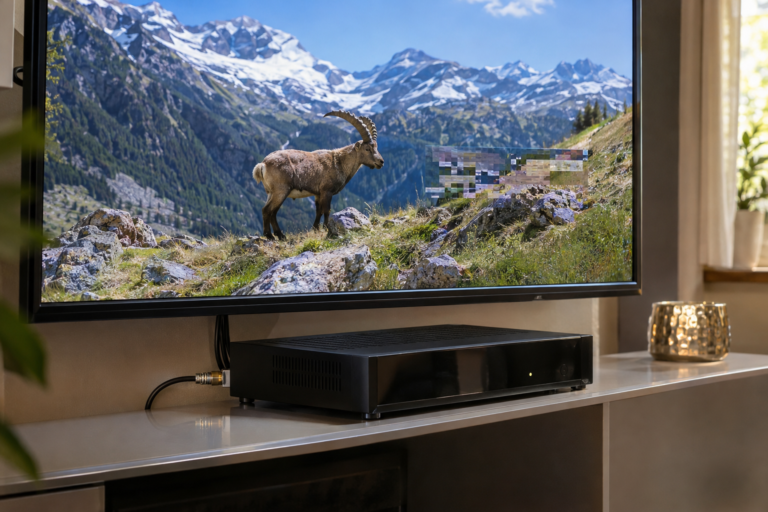
Astra 19.2°E works perfectly until you switch to Hot Bird 13°E. Then, when you return to Astra, the receiver suddenly reports no signal. Restarting the receiver sometimes brings it back. The dish hasn’t moved, the weather is clear, and both satellite feeds were working minutes earlier. What could make an entire satellite disappear simply because you changed channels?
The answer may lie in DiSEqC, the control system that tells compatible satellite equipment which receiving path to use. A monoblock can contain two functioning satellite feeds and still deliver the wrong signal if its switching commands are missing, incorrectly assigned, or not handled as expected. Before realigning the dish or replacing the LNB, determine whether the receiver is actually selecting the intended satellite path.
DiSEqC stands for Digital Satellite Equipment Control. In a conventional Astra 19.2°E and Hot Bird 13°E monoblock installation, compatible DiSEqC commands can select between the two satellite receiving paths. A wrong or ineffective selection can prevent carrier lock even when the satellite signal is otherwise available. This is a control-path problem, not necessarily a loss of antenna gain or satellite coverage.
How DiSEqC Controls Satellite Selection
A satellite receiver must do more than tune the correct downlink frequency. It must also ensure that the appropriate signal path is connected to its tuner.
In a simple installation using one universal LNB, the receiver controls the required frequency band and polarization.
When two satellite positions are received through a monoblock, another decision is necessary: which satellite feed should supply the receiver?
Commands Travel Through the Coaxial Cable
DiSEqC uses control signaling carried along the coaxial connection between compatible satellite equipment.
In a typical monoblock installation, the receiver sends the appropriate satellite-selection command to the integrated switching system.
The monoblock then routes the selected receiving path toward the tuner.
The reflector and feed assemblies remain physically stationary during this process.
A Monoblock Includes More Than Two Feedhorns
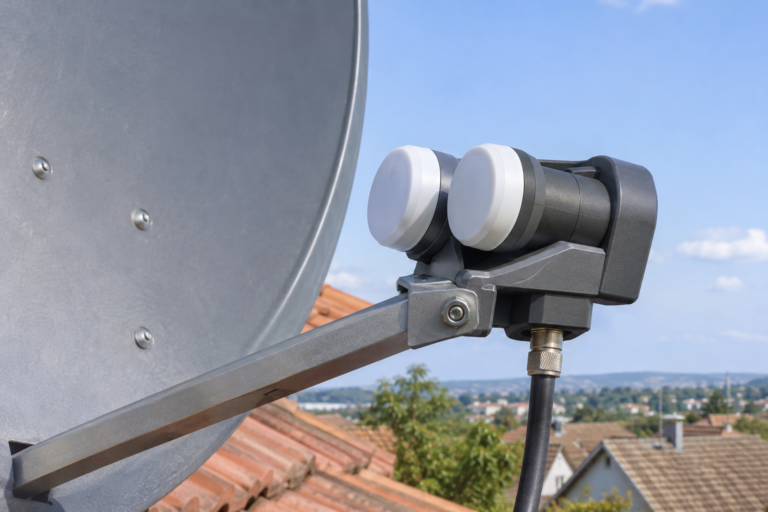
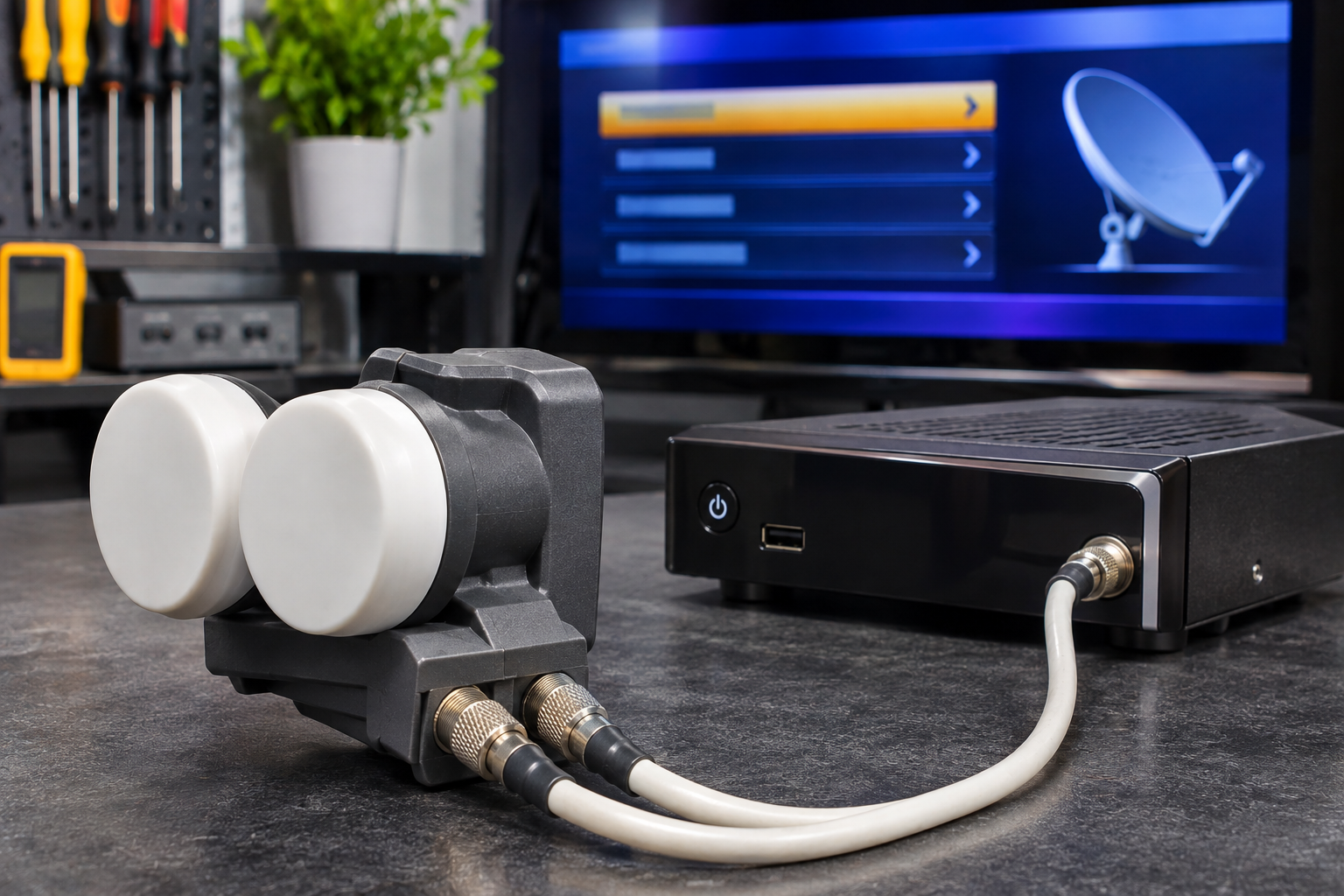
A conventional dual-feed monoblock combines two satellite receiving assemblies with internal selection circuitry.
The receiver generally communicates with that circuitry rather than mechanically selecting a feed.
If the electronic selection does not correspond to the intended satellite, the tuner may receive the wrong RF path.
Both feed assemblies can be functional while the requested transponder remains unavailable.
Why DiSEqC Does Not Change Signal Strength at the Satellite
DiSEqC controls local receiving equipment.
It does not change the satellite’s transmitted power, beam coverage, or orbital position.
However, selecting the wrong feed can make a previously available carrier disappear from the receiver’s input.
What Happens When a DiSEqC Command Is Missing or Incorrect?
A receiver may send an incorrect command, fail to send a required command, or operate with a configuration that does not match the installed switching system.
The resulting behavior depends on the equipment and its current selection state.
The Wrong Satellite Path May Remain Selected
Suppose the receiver was receiving Astra successfully.
The user switches to a Hot Bird channel, but the expected command is not acted upon.
The equipment may remain connected to the Astra receiving path.
The tuner then attempts to acquire a Hot Bird carrier from a signal path intended for Astra.
Normally, the requested carrier will not be available, so digital lock fails.
Default States Are Product-Specific
Some switching products specify a default satellite selection before an appropriate command has been received.
For example, a particular Inverto six-degree monoblock identifies Hot Bird 13°E as Satellite A and Astra 19.2°E as Satellite B, with Satellite A designated as its default reception state.
This is a model-specific specification.
Other equipment may use different mappings or control behavior.
Do not assume a particular default path applies to every monoblock.
Why Restarting the Receiver May Appear to Help
A restart may cause the receiver to initialize its LNB power and satellite-selection controls again.
Depending on the product, this can change or restore the selected signal path.
However, successful reception after restarting does not prove that a DiSEqC command was previously corrupted.
The same symptom may involve an intermittent connection, receiver software behavior, or another power-dependent fault.
A satellite returning after a receiver restart is evidence of a state-dependent or intermittent problem, but not proof of a specific DiSEqC fault. The switching sequence must be reproduced and tested.
Why One Satellite Can Disappear After Changing Channels
One especially useful symptom is reception that changes according to the order in which channels are selected.
The installation may work correctly after startup but fail after several satellite changes.
The Importance of Command Sequence
A receiver may apply different control settings when tuning a service.
These can include satellite selection, polarization selection, and frequency-band selection.
The exact command sequence and timing depend on receiver software, hardware, and system configuration.
If the connected equipment is not responding as expected, switching between services can expose a repeatable failure.
Why Testing Only One Channel Is Not Enough
Testing Astra immediately after restarting the receiver may produce a successful result.
But that does not establish that the switch will respond correctly after selecting Hot Bird and returning to Astra.
A more useful test evaluates a complete sequence.
- Select a verified Astra reference carrier and record lock.
- Select a verified Hot Bird carrier and record lock.
- Return to the original Astra carrier.
- Repeat the sequence several times under comparable conditions.
- Record any repeatable failure and whether restarting changes it.
The purpose is to identify a relationship between command sequence and reception failure, not to assume the switch is defective.
Why Channel Changes Within One Satellite Matter Too
If reception fails when changing between services on the same satellite, investigate band and polarization selection as well as satellite switching.
A problem affecting only one frequency band or polarization is not automatically a DiSEqC satellite-selection fault.
DiSEqC, Toneburst and Continuous 22 kHz Are Not the Same
Several control mechanisms can operate over a satellite coaxial connection.
They should not be treated as interchangeable simply because they appear in the same receiver setup menu.
DiSEqC Satellite Selection
DiSEqC provides structured control commands for compatible satellite equipment.
In a conventional two-satellite system, a supported command can select the intended receiving path.
The receiver and switching hardware must use compatible commands and assignments.
Toneburst or Mini DiSEqC
Toneburst is a simpler control method supported by some satellite-switching equipment.
It can be used to select between two states when supported by the receiving hardware.
However, not every monoblock responds to Toneburst in the same way, and support should not be assumed.
Continuous 22 kHz Band Selection
Conventional universal Ku-band LNBs commonly use the presence or absence of a continuous 22 kHz tone to select their frequency-conversion band.
That function is distinct from a DiSEqC command selecting a satellite path.
Although DiSEqC signaling also uses a 22 kHz carrier, the signaling format and purpose are different.
13V and 18V Polarization Selection
Traditional universal LNB systems commonly use nominal 13V and 18V control states to select vertical and horizontal polarization.
This selection is also separate from choosing Astra or Hot Bird.
A fault affecting voltage-based polarization selection may make many channels disappear without changing which satellite feed is selected.
| Control Function | Typical Purpose | Possible Symptom if Incorrect |
|---|---|---|
| DiSEqC satellite selection | Choose the intended satellite signal path | Wrong satellite selected or no expected carrier lock |
| Toneburst | Simple two-state selection on supported equipment | Incorrect or unavailable switching |
| Continuous 22 kHz tone | Conventional universal LNB band selection | Missing low- or high-band services |
| 13V / 18V | Conventional linear polarization selection | One polarization group unavailable |
Why an External DiSEqC Switch Can Complicate a Monoblock Installation
A conventional monoblock already contains a method of selecting between its two satellite receiving paths.
Adding external switching equipment introduces another element that must be configured and verified.
Two Switching Stages Need a Compatible Design
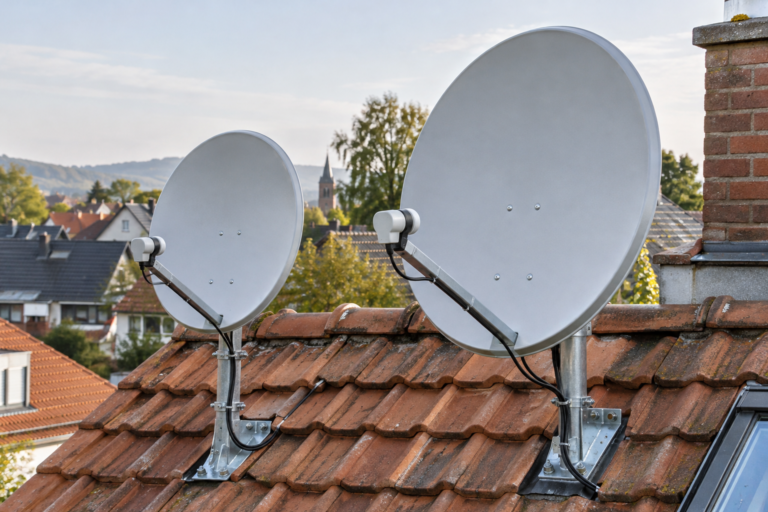
An installation may include an external switch because additional antennas or satellite positions are required.
However, the receiver must be capable of selecting the intended path through the complete switching arrangement.
The external switch and monoblock must support the necessary control architecture.
A simple receiver configuration intended for one two-input switch should not automatically be assumed suitable for a cascaded arrangement.
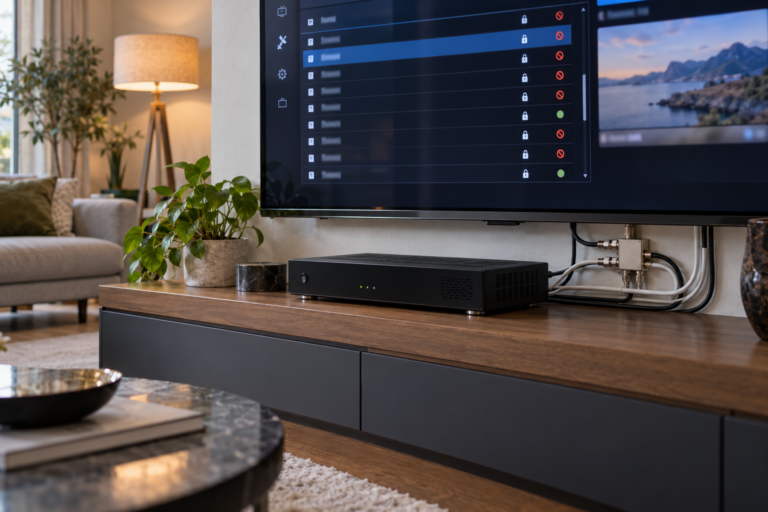
Why the Wrong External Port Can Hide Both Feeds
If an external switch selects a different input from the one connected to the monoblock, neither of the expected satellite carriers may be available through that route.
Alternatively, the external path may be correct while the monoblock’s internal feed selection remains wrong.
These are separate routing decisions.
Do Not Add a Switch to Fix an Unknown Problem
Installing an additional switch without first understanding the existing monoblock control system can make troubleshooting harder.
Use a documented, compatible configuration designed for the required number of satellite positions and receiving devices.
How Cable and Power Problems Affect DiSEqC Command Delivery
A coaxial cable connects the receiver to the outdoor receiving equipment.
In conventional installations, it carries RF signals, power, and control signaling.
Problems in this shared path may therefore affect satellite selection as well as ordinary signal reception.
Poor F-Connector Contact
Loose connectors, corrosion, damaged center conductors, and moisture ingress can create unreliable electrical connections.
These problems can affect more than RF attenuation.
Depending on the fault, control or power delivery may also become unreliable.
Incompatible Distribution Components
Some splitters, amplifiers, or distribution devices may not support the required control signaling or independent receiver operation.
The installation should use components designed for the relevant satellite IF, power, and control requirements.
Do not assume that equipment suitable for distributing an RF signal is automatically suitable for passing all DiSEqC commands.
Why Cable Length Alone Does Not Prove the Cause
Long cable runs can introduce losses, but a switching failure should not be attributed to length without examining the complete installation.
Cable construction, connectors, power requirements, equipment compatibility, and signal integrity all matter.
Controlled testing with a suitable known-good cable can help isolate the problem.
When Receiver Settings or Firmware Cause the Problem
A receiver’s tuning software determines which control commands are issued for a selected satellite entry.
Incorrect configuration can therefore imitate an outdoor hardware fault.
Wrong Satellite-to-Port Assignment
The satellite labels in a receiver are configuration entries.
They do not establish which physical feed is actually selected.
Verify the monoblock’s documented A/B assignments and configure the receiver accordingly.
Unsupported Control Mode
Some receivers provide several options, including DiSEqC 1.0, Toneburst, and more advanced switching modes.
Select the method required by the actual receiving equipment.
An automatic or default selection should not be trusted without verifying the resulting carrier lock.
Firmware Behavior and Repeatable Faults
Receiver firmware can influence command ordering, initialization, and the way tuner settings are stored.
A software defect or incompatibility is possible, but should be considered only when the failure pattern supports it.
Comparing the installation with another compatible receiver may provide useful evidence.
Changing firmware without a verified reason is not a substitute for proper diagnosis.
How to Test DiSEqC Without Moving the Dish
The first useful tests can often be performed entirely through the receiver and appropriate measuring equipment.
Confirm the Actual Satellite Identity
Select currently active reference carriers for Astra 19.2°E and Hot Bird 13°E.
Verify their tuning parameters using reliable current information.
Where available, use recovered network or service information to confirm the actual orbital source.
Do not rely solely on the satellite label displayed by the receiver.
Test the Documented DiSEqC Mapping
Identify the exact monoblock model and its assigned satellite-selection states.
Test each state using the appropriate reference carriers.
Record which satellite is actually received after each selection.
Measure Lock, Not Just Strength
A signal-strength indicator may respond to RF energy even when the intended satellite carrier is unavailable.
Actual digital carrier lock is more useful for establishing whether a selected transmission can be received.
Professional analyzers may also provide C/N, MER, and relevant error measurements.
Repeat the Same Sequence
If the problem is intermittent, repeat the same switching order under comparable conditions.
A fault that appears only after a particular transition may be more informative than a one-time failed scan.
How to Distinguish DiSEqC Failure From RF Reception Failure
A missing satellite can result from several different mechanisms.
A failed switching command is only one possibility.
The broader problem is covered in our related article, Why a Monoblock Can Lose One Satellite Completely, which examines feed-path, geometry, receiver-configuration, and hardware causes of total carrier loss.
For the present diagnosis, the most useful question is whether the intended satellite path was correctly selected.
Evidence Suggesting a Switching Problem
The receiver repeatedly acquires the wrong satellite when a particular DiSEqC state is selected.
Or the failure follows a repeatable satellite-switching sequence and changes when the command configuration is corrected.
These observations justify investigating control behavior.
Evidence Suggesting a Reception Problem
If the intended satellite path is confirmed but its carriers have inadequate MER or C/N, investigate receiving margin and RF conditions.
Potential causes include antenna alignment, monoblock geometry, cable loss, and other RF impairments.
Changing DiSEqC assignments cannot restore signal quality that is unavailable from a correctly selected receiving path.
DiSEqC Diagnostic Table: Symptom Versus Evidence
| Observed Symptom | Possible Explanation | First Useful Check |
|---|---|---|
| One satellite disappears after changing channels | Selection state or command-sequence problem | Repeat Astra–Hot Bird–Astra switching test |
| Satellite returns after receiver restart | Possible initialization or intermittent control fault | Record startup and switching behavior |
| Hot Bird selected but Astra services appear | Reversed DiSEqC mapping | Verify actual satellite identity and model assignment |
| Only high-band channels fail | Possible band-selection or related RF problem | Check 22 kHz band control and tuning |
| Only one polarization fails | Possible voltage-selection or distribution problem | Check 13V/18V control path |
| Both satellites fail through an external switch | Incorrect external path or distribution fault | Review documented switching arrangement |
| One receiver switches reliably, another does not | Receiver settings, firmware, or control compatibility | Compare equivalent configurations |
| Correct satellite selected but MER remains low | RF margin or interference problem | Evaluate the receiving path and carrier quality |
These are diagnostic patterns, not definitive proof of individual hardware faults.
Step-by-Step: Restore a Satellite Missing Because of DiSEqC
Step 1: Document the Installation
Record the receiver model, monoblock model, any external switching equipment, and the existing satellite assignments.
Preserve the configuration before making changes.
Step 2: Identify the Correct Switching Method
Check the monoblock documentation for DiSEqC or Toneburst support.
Use the intended control method rather than assuming that all switching modes are interchangeable.
Step 3: Verify Satellite-to-Port Assignments
Compare the documented A/B mapping with the receiver’s settings.
Correct any mismatch, changing one setting at a time.
Step 4: Confirm Current Reference Carriers
Select independently verified Astra and Hot Bird carriers.
Check actual lock and, where available, recovered service information.
Step 5: Perform Repeatable Switching Tests
Test both directions of switching between the satellite positions.
Repeat the same sequence to identify intermittent or state-dependent behavior.
Step 6: Check Other Receiver Controls
If the fault is limited to one band or polarization, investigate the relevant universal LNB control settings rather than assuming satellite selection is defective.
Step 7: Review External Distribution Equipment
If an additional switch or distribution system is present, confirm that the entire control arrangement is compatible and correctly configured.
Use the relevant manufacturers’ documentation.
Step 8: Compare With Known-Good Equipment
Where practical, test with a compatible receiver and suitable known-good cable.
Keep other conditions consistent and record whether the failure follows the equipment being substituted.
Step 9: Inspect Outdoor Hardware if Necessary
If configuration and control tests are inconclusive, inspect the monoblock and coaxial connections safely.
Disconnect powered equipment before changing connections.
Use qualified installers for roof access and professional electrical measurements.
Identify equipment → Verify supported commands → Check port mapping → Confirm satellite identity → Repeat switching tests → Isolate receiver and cable → Investigate hardware.
A factory reset or full channel scan should not be the first step. Neither operation repairs a failed physical switch or establishes whether a DiSEqC command was received.
Reality Check: DiSEqC Does Not Make a Satellite Signal Weaker
DiSEqC selects or controls compatible receiving equipment. It does not alter a satellite’s transmitted power or the reflector’s antenna gain.
A wrong selection can make the intended carrier unavailable to the tuner, producing a loss-of-lock symptom.
However, low MER on a correctly selected carrier, missing polarization groups, and inadequate receiving margin may have different causes.
Before blaming DiSEqC, establish which physical path is selected and whether the problem concerns routing or actual RF quality.
Final Verdict
DiSEqC can make one satellite appear to disappear when the receiver fails to select the intended receiving path.
This can happen because of incorrect satellite-to-port assignments, unsuitable switching modes, inconsistent control behavior, or problems in the equipment carrying or responding to those commands.
A monoblock may have fully functional receiving feeds while the tuner is connected to the wrong one.
The correct diagnosis begins by identifying the installed hardware, verifying its switching specifications, and testing actual carrier lock on both Astra 19.2°E and Hot Bird 13°E.
Repeatable switching tests can help distinguish configuration and control problems from genuine RF reception faults.
Correct the command path before considering antenna realignment or hardware replacement.
Frequently Asked Questions
Why does one satellite disappear after changing channels?
The receiver may be failing to select the intended satellite path or the switching equipment may not be responding as expected. Repeat the same channel-switching sequence and verify actual carrier lock on both satellites.
Can wrong DiSEqC settings make Hot Bird or Astra disappear completely?
Yes. Incorrect satellite-to-port mapping can select the wrong receiving feed, leaving the intended carrier unavailable to the tuner. Verify the exact monoblock model’s assignments.
Is Hot Bird always DiSEqC A?
No. Some monoblocks use Hot Bird as Satellite A and Astra as Satellite B, but the assignments depend on the product. Use the exact manufacturer’s documentation.
Is DiSEqC the same as the 22 kHz LNB setting?
No. Conventional universal LNBs use a continuous 22 kHz tone for band selection. DiSEqC uses control signaling to communicate switching instructions. Although related signaling techniques use a 22 kHz carrier, the functions are different.
Can Toneburst replace DiSEqC 1.0?
Only when the connected receiving equipment supports the relevant Toneburst control arrangement. They should not be assumed interchangeable for every monoblock or switch.
Why does restarting the receiver restore the missing satellite?
A restart may reinitialize LNB power and selection controls. However, this symptom can also indicate intermittent connections or receiver behavior, so it does not independently prove a DiSEqC fault.
Can an external DiSEqC switch interfere with a monoblock?
An additional switch can create configuration and routing problems if the complete arrangement is incompatible or incorrectly controlled. Use equipment and command sequences documented for the intended installation.
Should I reset the receiver if one satellite disappears?
Not as the first step. Record the existing settings, verify satellite identity and DiSEqC mapping, and perform controlled switching tests. A reset may remove useful settings without resolving the cause.