Zero-Buffer Streaming in 2026 | New Tricks That Beat Slow WiFi Legally
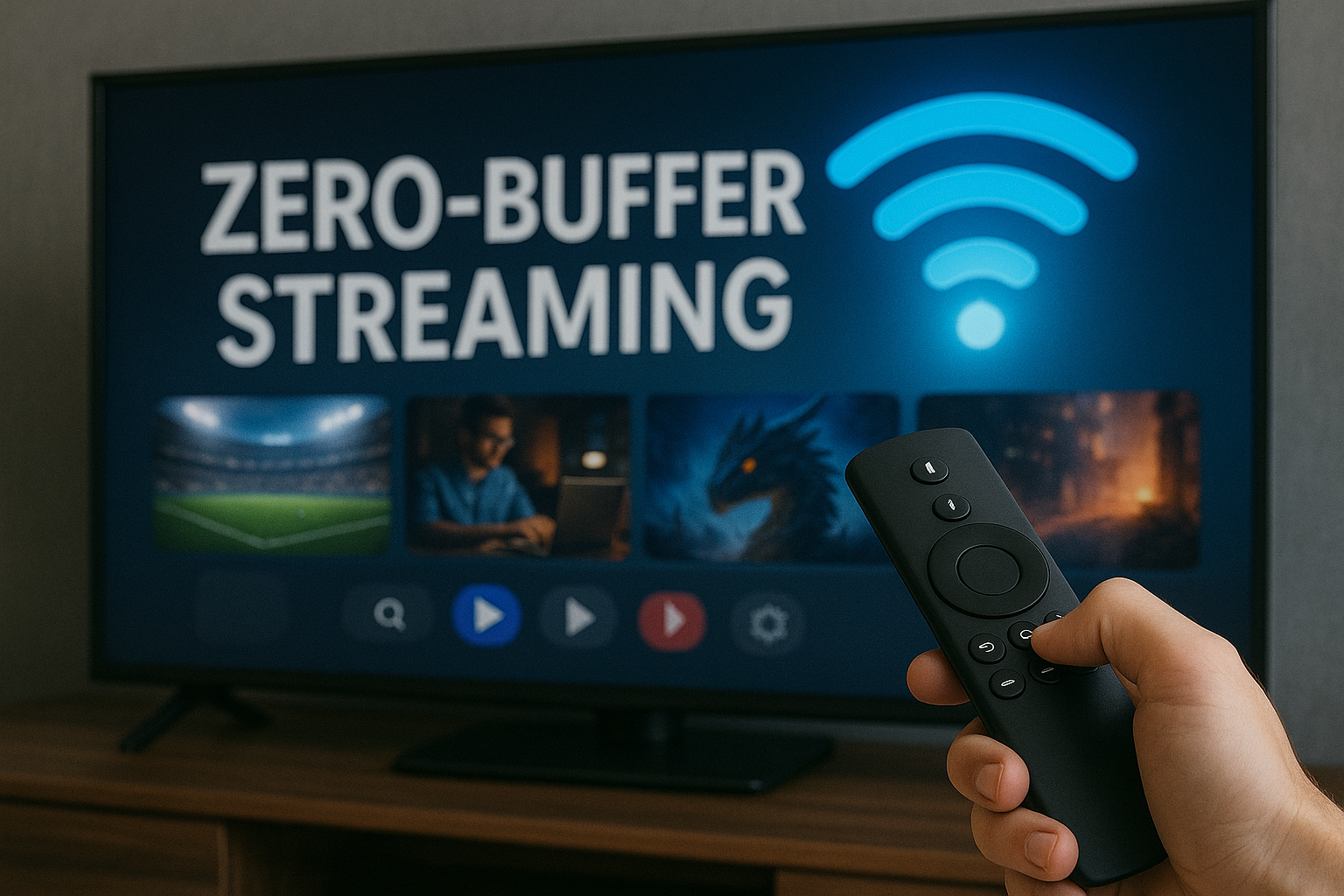
Buffering used to be normal. In 2026, it’s optional — if you understand how today’s streaming technology works. With modern adaptive bitrate systems, AI-powered compression, smarter routers, and optimized devices, you can reduce buffering to almost zero, even on slow or congested home WiFi.
This guide reveals practical, legal, and easy-to-apply tricks that work on Smart TVs, Android TV boxes, Fire Sticks, mobile phones, and laptops. You’ll learn why buffering happens, how platforms try to prevent it, and how to use 2026’s newest hacks to enjoy smooth streaming in HD or 4K anytime.
Useful related resources:
➡️ Streaming Tech Hacks Category
➡️ Live-Streaming Networks That Pay You in 2026
Table of Contents
- Why Buffering Still Exists in 2026
- Required Internet Speeds for Smooth HD/4K
- Home WiFi Hacks to Beat Buffering
- Router & Signal Optimization Tricks
- Device-Level Hacks: TV, Stick & Box
- Use Adaptive Bitrate to Your Advantage
- Streaming App Settings You Should Change
- Platform-Specific Zero-Buffer Techniques
- Streaming Smoothly on Public or Shared WiFi
- Special Section for Streamers & Creators
- Reality Check
- Final Verdict
- FAQ
Why Buffering Still Exists in 2026
Even though internet speeds increased globally, buffering continues because most issues come from inside the home:
- weak router signal
- old streaming devices
- multiple users sharing bandwidth
- bad WiFi placement
- ISP congestion during peak hours
- outdated firmware or apps
The good news? All of these can be fixed — without paying extra for internet.
Required Internet Speeds for Smooth HD/4K
General rule for 2026:
- HD streaming: 5–10 Mbps stable
- Full HD: 10–20 Mbps stable
- 4K / HDR: 25 Mbps or higher
But speed alone doesn’t guarantee smooth streaming — stability matters more.
Home WiFi Hacks to Beat Buffering
Most buffering issues come from WiFi interference. Here’s how to eliminate it:
- Use 5 GHz WiFi instead of 2.4 GHz
- Place router in the center of the home
- Avoid placing router near walls, mirrors, microwaves
- Keep router elevated, not on the floor
- Limit connected devices during streaming
- Restart router every 48 hours
If your home is large, use a mesh WiFi system to eliminate dead zones.
Router & Signal Optimization Tricks
- Switch router channel to avoid congestion
- Use Ethernet cable for Smart TV or Android TV box
- Disable QoS limits (unless configured properly)
- Update router firmware
- Disable old WiFi modes like 802.11b
A wired connection is the fastest hack to achieve zero buffering.
Device-Level Hacks: TV, Stick & Box
1. Clear App Cache Regularly
Old cached data slows down streaming apps, especially on Fire Stick and Android TV boxes.
2. Close Background Apps
TVs and boxes have limited RAM. Closing apps boosts stream stability.
3. Use AI Upscaling Instead of 4K
If your WiFi is unstable, stream in 1080p and let AI upscale it — smoother and almost indistinguishable from 4K.
4. Update Firmware
Outdated devices struggle with modern codecs like AV1 and HEVC.
Use Adaptive Bitrate to Your Advantage
Modern streaming platforms use AI-driven adaptive bitrate to prevent hard freezes. Turning this on allows your stream to “survive” temporary slowdowns.
Avoid forcing 4K manually — let the player decide when your connection can handle it.
Streaming App Settings You Should Change
Every streaming app has hidden settings that reduce buffering:
- Enable “Auto Quality Adjustment”
- Turn off “Data Saver” unless needed
- Disable “Limit background activity” for the app
- Enable “Hardware acceleration” for video
- Use “Optimized for device” mode when available
Platform-Specific Zero-Buffer Techniques
1. YouTube
- Use “Stats for Nerds” to monitor bitrate
- Switch resolution temporarily when network drops
- Disable VP9 if device struggles
2. Netflix
- Set playback to Auto
- Clear Netflix cache every 30 days
- Use Ethernet for stable 4K
3. Amazon Prime
- Disable HDR if TV struggles with brightness
- Lower sound enhancement settings to reduce CPU load
4. Live IPTV Apps
- Use servers closest to your region
- Switch decoders (HW, HW+, Software) to find stable one
Streaming Smoothly on Public or Shared WiFi
- Always switch to 720p on public networks
- Disable background updates
- Use a privacy-friendly VPN only if legal
- Download content for offline viewing when possible
Special Section for Streamers & Creators
If you stream live content, buffering affects your audience and income.
Check this essential guide:
➡️ Live-Streaming Networks That Pay You in 2026
Creator-specific hacks include:
- Use wired Ethernet instead of WiFi
- Enable low-latency streaming mode
- Optimize encoder settings (2500–4500 kbps for HD)
- Use AI noise reduction for cleaner audio
- Choose streaming platforms with regional servers
Creators lose audience fast during buffering — these hacks prevent that.
Reality Check
Zero-buffer streaming is possible in most homes, but no hack can overcome extremely weak internet or defective hardware. The best results come from combining multiple strategies: optimized WiFi, updated devices, adaptive bitrate, and stable routers. With the right setup, almost anyone can achieve smooth HD or 4K streaming in 2026.
Final Verdict
You don’t need new internet, a new TV, or expensive equipment to eliminate buffering. With the right tweaks — especially signal optimization, AI-assisted playback, and smart device settings — you can dramatically improve streaming quality legally and instantly. Zero-buffer streaming is no longer a dream; it’s a 2026 standard for anyone who knows these hacks.
FAQ
Can you really eliminate buffering completely?
In most homes, yes — if you optimize WiFi, device, and app settings correctly.
Is Ethernet always better than WiFi?
Yes. Ethernet is always more stable and preferred for HD/4K streaming.
Do Smart TVs handle buffering better than TV boxes?
Not always — many Android TV boxes outperform Smart TVs due to faster processors.
Are these hacks legal?
Yes — this guide uses only legal and safe optimizations.
About the Author
This article was created by the cccam2.net team — experts in streaming optimization, IPTV technology, and next-generation entertainment solutions.
For more guides, visit Streaming Tech Hacks.