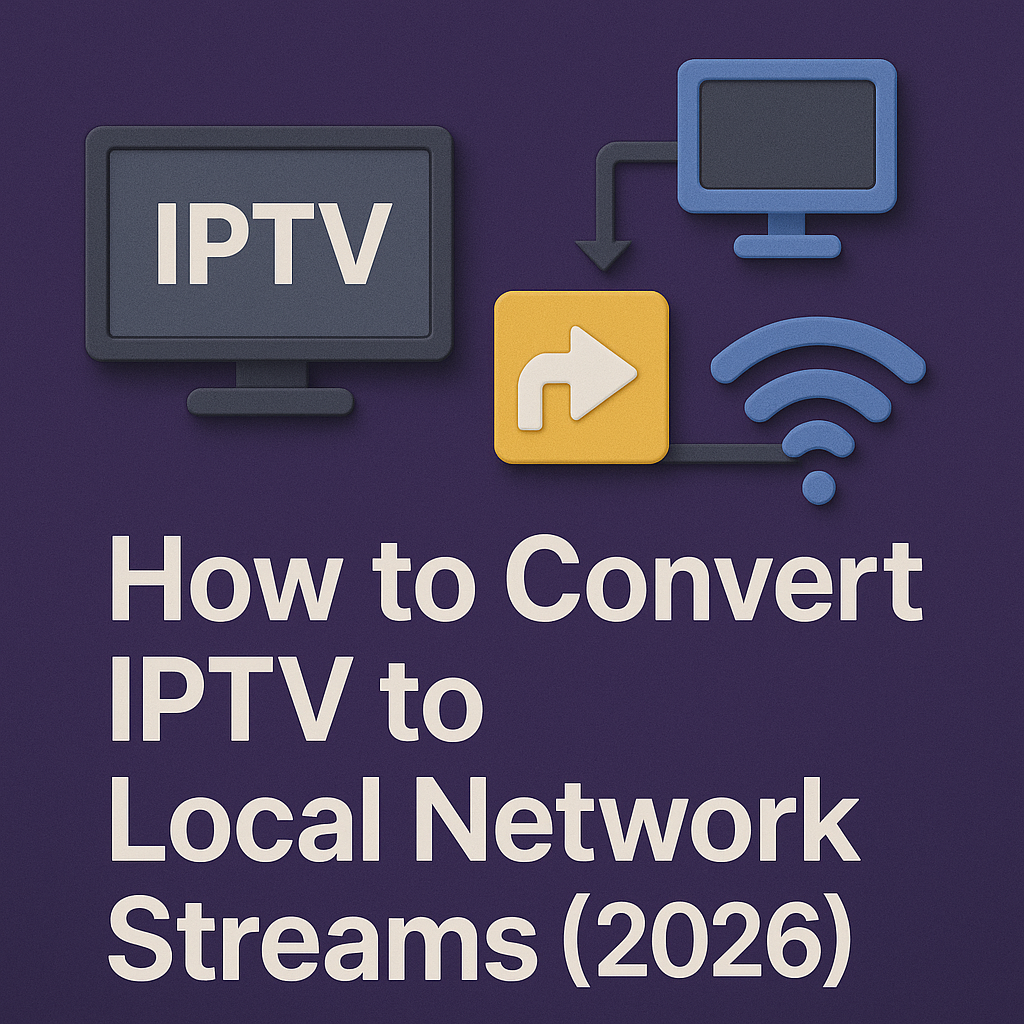
How to Convert IPTV to Local Network Streams (2026)
🌐 Ever wanted to share your IPTV streams across different devices at home without logging into the app every time? With Convert IPTV to Local Network Streams 2026, you can. This method lets you turn IPTV channels into local streams accessible on TVs, PCs, and even mobile devices — all inside your home network.
🔄 What Does Converting IPTV to Local Streams Mean?
Instead of pulling IPTV channels directly from the provider every time, you can route them through a local server (like Plex, Jellyfin, or an IPTV proxy). This creates a local broadcast within your home. Any device connected to your WiFi can then play these streams without extra logins or bandwidth duplication.
🙌 Why It’s Useful
- ⚡ Save Bandwidth: Stream once from the provider, then share locally.
- 📱 Device Freedom: Access IPTV channels on smart TVs, laptops, and tablets without reconfiguration.
- 🎛️ Customization: Organize your channels, add EPG, and even transcode for older devices.
- 🏠 Home Integration: Works perfectly with home media servers and smart home systems.
💡 In short: converting IPTV to local network streams makes your IPTV feel like a private cable service inside your home.
🛠️ Steps to Convert IPTV to Local Streams
- Set Up a Local Server: Use a PC, NAS, or Raspberry Pi as your IPTV hub.
- Install Middleware: Popular options include Plex, Jellyfin, or TVHeadend. These act as IPTV-to-local converters.
- Add IPTV Playlist (M3U): Import your IPTV provider’s M3U link into the software.
- Configure EPG: Connect an XMLTV source so channel guides display correctly.
- Enable DLNA/HTTP Streams: This makes channels accessible on any device connected to your WiFi.
- Test Across Devices: Open your smart TV, VLC on a laptop, or even mobile apps to confirm smooth playback.
⚙️ Best Tools for IPTV Local Streaming (2026)
- TVHeadend: Advanced server for Linux users with great flexibility.
- Plex Media Server: User-friendly and integrates IPTV as a live TV source.
- Jellyfin: Free, open-source alternative with IPTV plugi
❓ FAQ About IPTV Local Streaming
- Q: Do I need powerful hardware?
A: Not always. A Raspberry Pi 4 works fine for basic streaming, but heavy transcoding may require a stronger PC or NAS. - Q: Will converting IPTV save internet data?
A: Yes. The server downloads one stream and shares it locally, instead of each device pulling the same channel separately. - Q: Can I use this outside my home?
A: Technically yes, but it’s not recommended unless you set up a secure VPN. Otherwise, you may face security risks. - Q: Does this work with all IPTV providers?
A: No. Some providers block restreaming, so always check your subscription terms. - Q: Is Plex better than TVHeadend?
A: Plex is more user-friendly, while TVHeadend offers deeper customization. It depends on your technical skills.
✅ Final Verdict
Converting IPTV to Local Network Streams 2026 is a smart way to centralize your home entertainment. It saves bandwidth, simplifies device access, and turns IPTV into a private broadcast service inside your house.
Yes, it needs some setup and a bit of technical know-how, but once it’s running, your IPTV experience becomes smoother and more flexible than ever.
- Q: Do I need powerful hardware?