Sky Italia App Crashes Explained Device And System Limitations
Estimated reading time: 10 to 12 minutes.
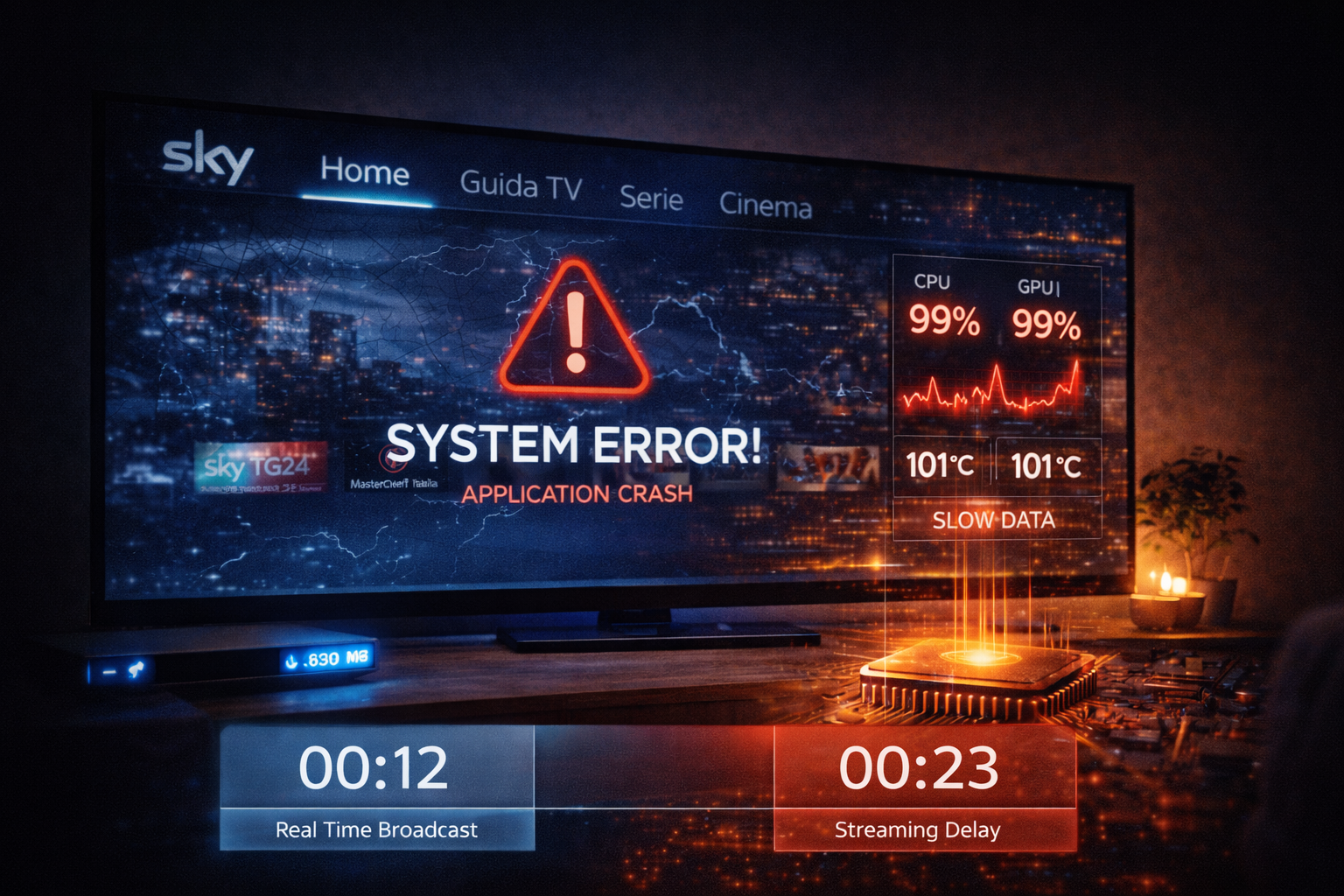
When the Sky Italia app suddenly crashes, freezes, or closes without warning, the first assumption is often that the service is down. In reality, most crashes are not caused by the streaming service itself. They are usually the result of limitations inside the device or the operating system running the app.
Streaming applications are complex. They handle video decoding, memory management, network communication, and real time playback all at once. If any part of this process exceeds the capability of the device, the system may stop responding or shut down the app completely. Understanding these internal limits helps explain why crashes happen and how to reduce them.
Quick Context. Sky Italia app crashes are typically caused by device limitations such as low memory, CPU overload, decoding pressure, or system level restrictions rather than simple network issues.
Table of Contents
What an app crash actually means
The role of the device in streaming
CPU load and processing limits
Video decoding and hardware limits
Thermal performance and throttling
What an app crash actually means
An app crash occurs when the application stops functioning and closes unexpectedly. This usually happens when the system detects an error that cannot be handled safely.
In streaming apps, crashes are often related to resource limits. When the app cannot complete required tasks within system constraints, it may shut down to prevent further issues.
Crashes are different from buffering or lag. They indicate a failure at the application or system level rather than a temporary delay in data delivery.
The role of the device in streaming
The device running the app is responsible for handling multiple tasks simultaneously. It receives data, decodes video, manages buffers, and renders frames on screen.
This requires coordination between hardware and software. If the device lacks sufficient resources, performance becomes unstable.
Modern streaming apps are designed for newer hardware. Older devices may struggle to meet these requirements.
Memory usage and pressure
Memory is used to store temporary data such as video buffers and application processes. Streaming apps require continuous memory allocation to function correctly.
If available memory is low, the system may terminate the app to free resources. This often appears as a sudden crash.
Background applications also consume memory. Running multiple apps at the same time increases pressure and raises the risk of crashes.
Clearing unused apps can reduce memory load and improve stability.
CPU load and processing limits
The CPU handles processing tasks such as decoding video and managing app logic. High resolution streams require significant processing power.
If the CPU becomes overloaded, tasks may not complete in time. This can lead to freezing or crashes.
Devices with weaker processors are more likely to encounter this issue, especially during high quality playback.
Performance can vary between devices even with the same network conditions.
Video decoding and hardware limits
Video streams are compressed and must be decoded before display. Many devices use hardware acceleration to handle this efficiently.
If hardware decoding is not available or not optimized, the CPU must handle decoding. This increases load significantly.
High bitrate or high resolution content places additional stress on decoding systems. When limits are reached, the app may fail.
This is a common cause of crashes on older smart TVs.
Thermal performance and throttling
Devices generate heat during operation. Extended streaming sessions increase temperature, especially under heavy load.
When temperatures rise, devices may reduce performance to protect hardware. This is known as thermal throttling.
Reduced performance can lead to instability and eventually cause the app to crash.
Ensuring proper ventilation and avoiding long continuous usage can help manage thermal conditions.
Operating system and app interaction
The operating system manages resources and controls how apps run. It decides how memory and CPU are allocated.
If the system detects excessive resource usage or instability, it may close the app. This is a protective mechanism.
Software updates can change how apps interact with the system. In some cases, compatibility issues may lead to crashes.
Keeping both the app and the system updated helps maintain compatibility.
How to diagnose crash causes
Start by observing when crashes occur. If they happen after long usage, thermal or memory issues may be involved.
Test the app on another device. If the problem does not appear, the issue is likely device related.
Close background applications to reduce memory usage. Check if stability improves.
Lower video quality if possible. This reduces decoding load and may prevent crashes.
Restart the device to clear temporary system issues. Monitor whether crashes continue.
This step by step approach helps isolate the underlying cause.
| Factor | Technical Cause | Visible Symptom | Suggested Action |
|---|---|---|---|
| Low memory | Resource exhaustion | App closes suddenly | Close background apps |
| High CPU load | Processing overload | Freeze then crash | Use lower resolution |
| Decoding limit | Hardware limitation | Playback failure | Use capable device |
| Thermal issue | Overheating | Instability | Improve cooling |
| System conflict | Software mismatch | Unexpected crash | Update system |
Reality Check
App crashes are rarely caused by a single factor. They usually result from a combination of device limitations and system behavior. Even a stable network cannot prevent crashes if the device cannot handle the workload.
Final Verdict
Sky Italia app crashes are primarily driven by device and system limitations rather than streaming delivery issues. Memory pressure, CPU load, decoding requirements, and thermal conditions all contribute to stability. Understanding these factors helps users choose the right hardware and manage performance effectively. In streaming systems, device capability is just as important as network quality.
FAQ
| Question | Answer |
|---|---|
| Why does the Sky Italia app crash | Usually due to device limitations such as low memory or high processing load. |
| Can network issues cause crashes | Rarely. Most crashes are related to device or system performance. |
| Do older devices crash more often | Yes. They may not handle modern streaming requirements efficiently. |
| Can overheating cause crashes | Yes. High temperatures can reduce performance and lead to instability. |
| How can I reduce crashes | Use updated devices, manage resources, and ensure proper cooling. |