Why Astra 19.2 Signal Fluctuates Explained
Estimated reading time: 15 minutes.
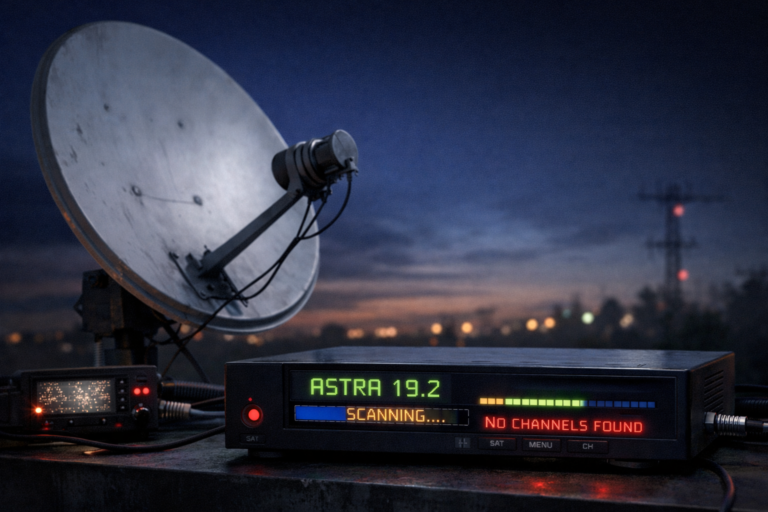
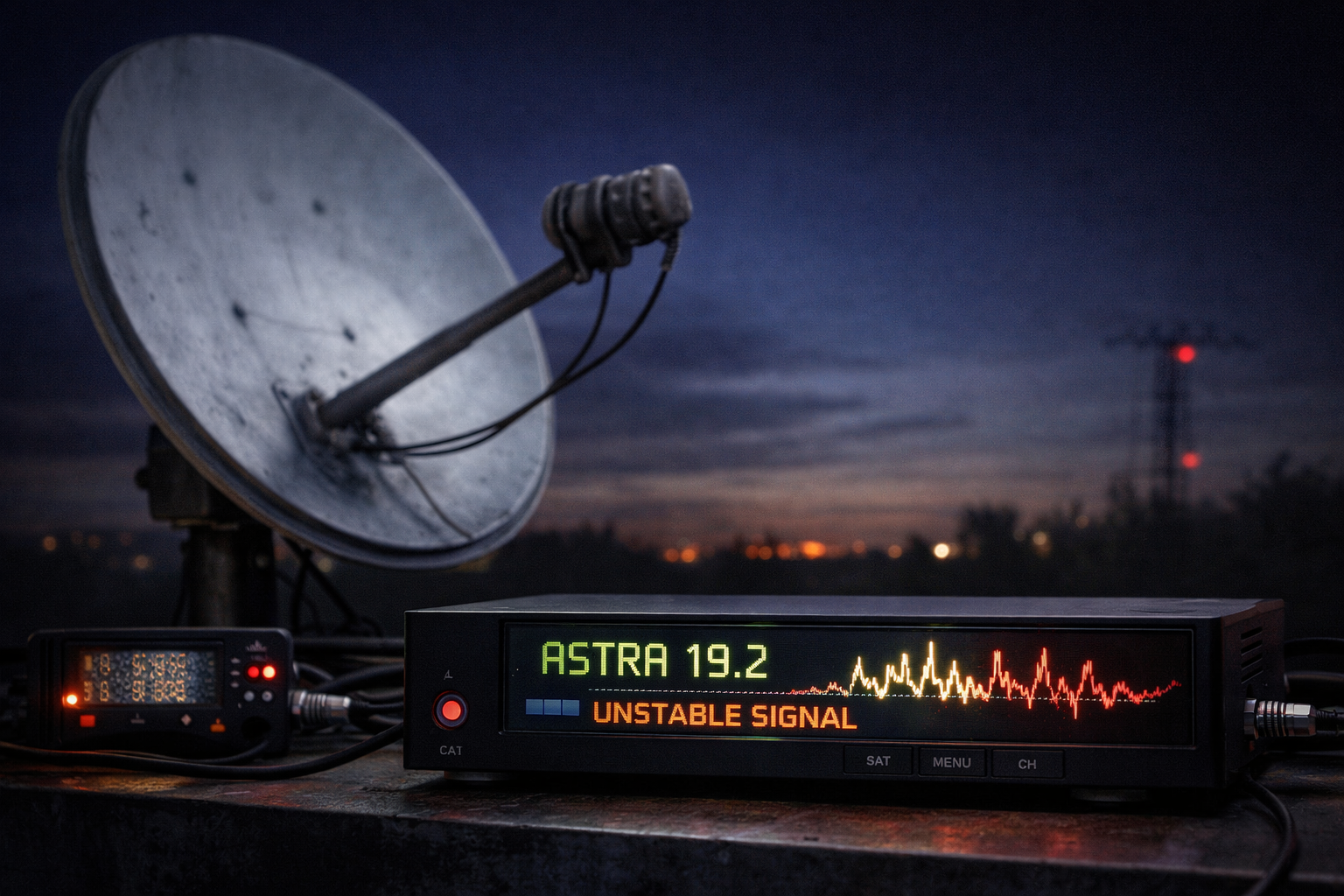
Signal fluctuation on Astra 19.2 is one of the most confusing issues for satellite users. The signal bar moves up and down, channels freeze randomly, and sometimes everything works for a few minutes before failing again. This unstable behavior creates the impression that the system is unreliable, but in reality, it follows clear technical causes.
Fluctuation does not happen without reason. It is the result of unstable signal conditions inside the reception chain. These conditions can come from alignment issues, hardware behavior, environmental changes, or signal interference. Understanding why the signal fluctuates helps you move from guessing to accurate diagnosis.
Signal fluctuation means the signal level or quality is constantly changing. This leads to unstable decoding and inconsistent channel performance on Astra 19.2.
- What signal fluctuation really means
- Dish alignment instability
- LNB instability and noise variation
- Cable and connector related fluctuations
- Transponder sensitivity differences
- Environmental and weather effects
- Receiver response to fluctuating signals
- Analytical fluctuation diagnosis table
- Step by step fix guide
- FAQ
What signal fluctuation really means
Signal fluctuation means the signal is not stable. Instead of staying at a constant level, it rises and falls continuously.
In digital satellite systems, stability is more important than absolute strength. A stable medium signal is better than a fluctuating strong signal.
When the signal fluctuates, the receiver struggles to maintain a consistent lock. This leads to freezing, pixelation, or intermittent channel loss.
Dish alignment instability
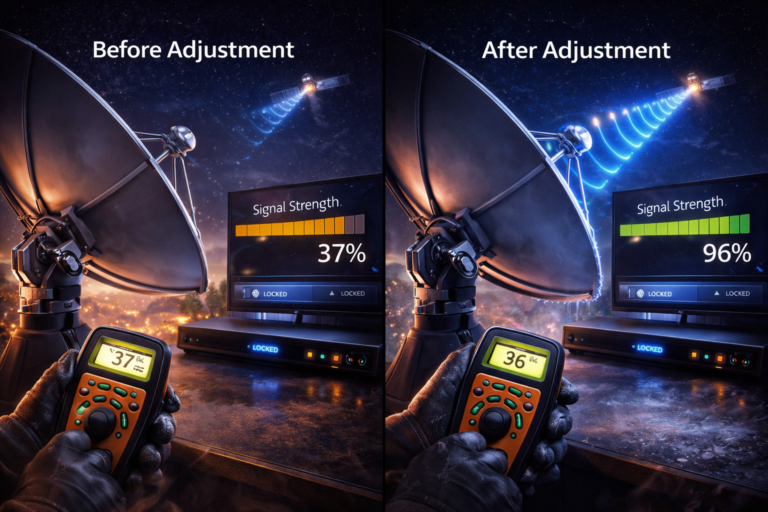
A slightly unstable dish is one of the most common causes of fluctuation. If the dish mount is loose or affected by wind, the signal will move constantly.
Even small movements can cause significant changes in signal quality. This results in unstable readings on the receiver.
Properly securing the dish and ensuring precise alignment reduces fluctuation significantly.
LNB instability and noise variation
The LNB plays a critical role in signal stability. If it is unstable, it can introduce noise and frequency variation.
Temperature changes can affect the LNB oscillator, causing slight frequency drift. This makes the receiver struggle to maintain lock.
Replacing an unstable LNB often improves signal consistency.
Cable and connector related fluctuations
Loose or damaged cables can cause intermittent signal loss. This creates fluctuation as the connection changes slightly.
Poor shielding can also allow interference, affecting signal stability.
Checking and securing all connections is essential for stable performance.
Transponder sensitivity differences
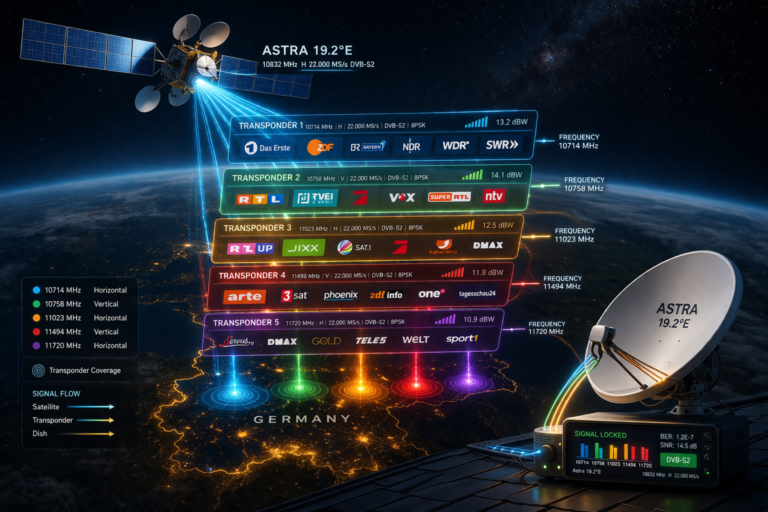
Different transponders react differently to signal conditions. Some are more stable, while others are more sensitive.
This is why fluctuation may affect only certain German channels. Those channels belong to more sensitive transponders.
Understanding this helps identify whether the issue is general or transponder specific.
Environmental and weather effects
Wind can move the dish slightly, causing rapid signal changes. Rain and clouds can also affect signal strength.
Heat can change hardware behavior, leading to gradual fluctuation during the day.
Environmental effects often combine with other factors to create noticeable instability.
Receiver response to fluctuating signals
The receiver continuously adjusts to maintain signal lock. When the signal fluctuates, it repeatedly tries to correct errors.
If fluctuation is too strong, the receiver cannot keep up, leading to interruptions in decoding.
Different receivers handle fluctuation differently depending on their design.
Analytical fluctuation diagnosis table
| Symptom | Cause | Meaning | Action |
|---|---|---|---|
| Signal bar moving constantly | Dish movement | Unstable alignment | Secure dish |
| Channels freeze randomly | Signal instability | Decoding issue | Improve signal quality |
| Fluctuation during wind | Dish vibration | Mechanical issue | Fix mounting |
| Fluctuation during heat | LNB drift | Hardware instability | Replace LNB |
| Intermittent signal loss | Cable problem | Connection issue | Check cables |
Step by step fix guide
Start by observing when fluctuation occurs. Check if it is related to wind, temperature, or time of day.
Secure the dish mount and ensure it does not move.
Adjust dish alignment to maximize signal quality.
Inspect the LNB and replace it if necessary.
Check all cables and connectors for stability.
Test the system under stable conditions to confirm improvements.
Signal fluctuation is usually caused by instability in the system, not by the satellite itself. Most issues can be fixed by improving installation quality.
Astra 19.2 signal fluctuation is a clear sign of unstable reception conditions. By identifying the source of instability and improving alignment, hardware, and connections, you can restore stable signal performance and eliminate fluctuations.
FAQ
| Question | Answer |
|---|---|
| Why does signal fluctuate constantly | Because of unstable alignment or hardware conditions. |
| Can wind cause signal fluctuation | Yes. It can move the dish and affect alignment. |
| Does LNB affect signal stability | Yes. Noise and drift can cause fluctuation. |
| Why do only some channels fluctuate | Because they are on more sensitive transponders. |
| How can I fix signal fluctuation | Improve alignment, secure the dish, and check hardware. |