Astra 19.2 German Channels Scan Problem Explained
Estimated reading time: 15 minutes.
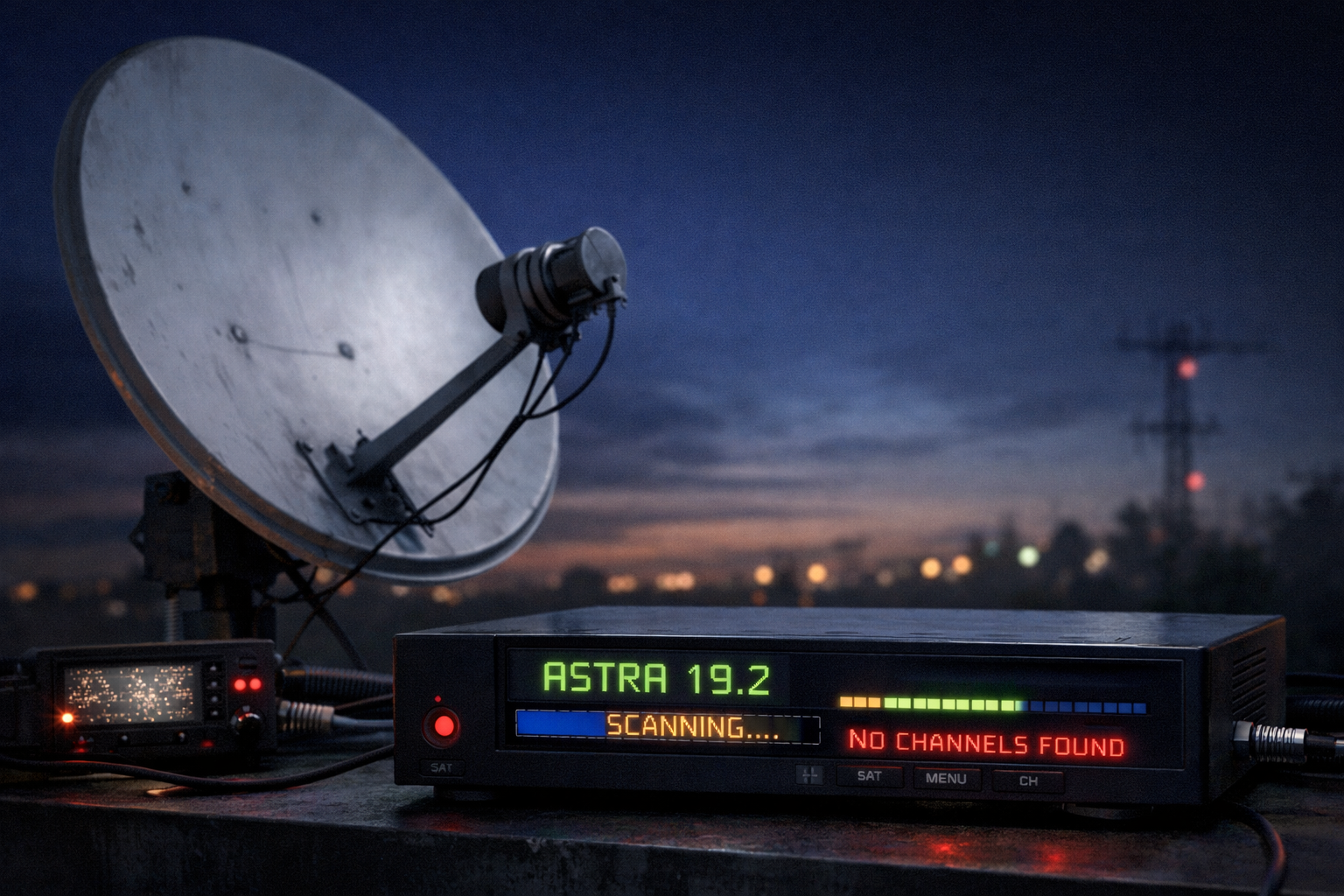
When German channels do not appear during a scan on Astra 19.2, the issue is not always a missing broadcast. In most cases, the signal is present, but the receiver fails to detect or decode it correctly. This creates the common situation where users scan for channels but find nothing or only partial results.
The scanning process is a technical operation. The receiver must lock onto the correct frequency, decode the signal, and read the service information. If any step fails, the channels will not appear. Understanding this process is the key to fixing scan problems effectively.
Scan problems on Astra 19.2 usually occur when the receiver cannot lock onto a transponder or read its data. This can be caused by incorrect frequency settings, weak signal quality, LNB issues, or outdated transponder information.
- How channel scanning works
- Why German channels may not appear
- Transponder lock failure during scan
- Incorrect frequency and tuning data
- LNB switching problems affecting scan
- Signal quality impact on scanning
- Receiver limitations and scan behavior
- Analytical scan problem table
- Step by step scan fix guide
- FAQ
How channel scanning works
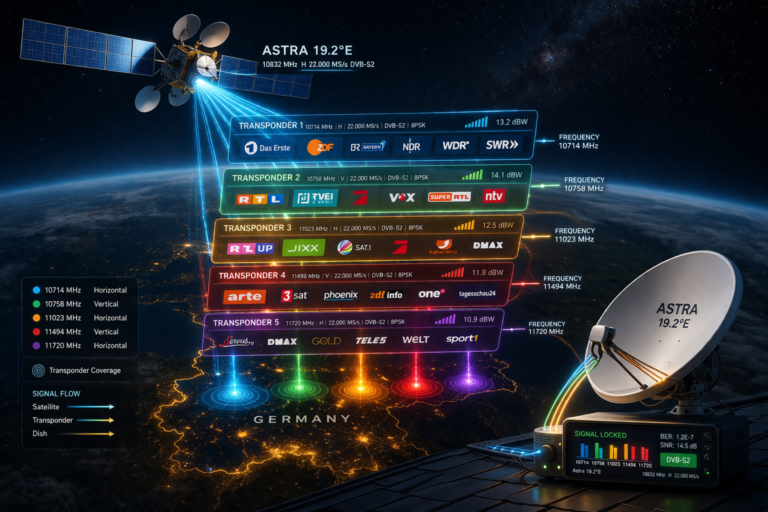
Scanning is not just a search for channel names. The receiver scans frequencies, attempts to lock onto each transponder, and reads the transport stream data.
Once the receiver locks onto a transponder, it extracts service information such as channel IDs, video streams, and audio streams. This data is then used to build the channel list.
If the receiver cannot lock the signal or read the data, no channels will be found even if the signal exists.
Why German channels may not appear
German channels may not appear during a scan for several reasons. The most common cause is failure to lock onto the correct transponder.
Another reason is incorrect or outdated frequency data. If the receiver scans the wrong parameters, it will miss the channels.
Weak signal quality can also prevent the receiver from decoding the transport stream, resulting in empty scan results.
Transponder lock failure during scan
The receiver must achieve a stable lock before it can read channel data. If the signal is too weak or unstable, the lock will fail.
This often happens with marginal alignment or poor signal conditions. Strong transponders may be detected, while weaker ones are missed completely.
This explains why some German channels appear while others do not during scanning.
Incorrect frequency and tuning data
Receivers rely on stored transponder data. If this data is outdated, the scan will target incorrect frequencies.
German channels may move to new frequencies over time. Without updated parameters, the receiver cannot find them.
Manual entry of correct frequency, symbol rate, and polarization is often required.
LNB switching problems affecting scan
The LNB must switch between frequency bands and polarization correctly. If it fails, the receiver will not access certain transponders.
This results in missing channel groups during scan. For example, all channels in a specific band may be absent.
LNB issues are often mistaken for signal problems, but they follow clear grouping patterns.
Signal quality impact on scanning
Signal quality is critical during scanning. Even if signal strength is present, low quality can prevent decoding.
The receiver may detect a signal but fail to extract channel data. This results in no channels found.
Improving signal quality often resolves scan problems immediately.
Receiver limitations and scan behavior
Different receivers have different scanning capabilities. Some handle weak signals better than others.
Software limitations can also affect scan results. Older receivers may not support newer transmission parameters.
In some cases, using another receiver can confirm whether the issue is hardware or signal related.
Analytical scan problem table
| Symptom | Cause | Meaning | Action |
|---|---|---|---|
| No channels found | No transponder lock | Signal issue | Check alignment |
| Some channels missing | Partial transponder detection | Weak signal | Improve quality |
| Scan completes but empty | Incorrect frequency | Wrong parameters | Update data |
| Channels missing by group | LNB switching failure | Hardware issue | Check LNB |
| Channels appear on another receiver | Receiver limitation | Hardware/software issue | Update or replace receiver |
Step by step scan fix guide
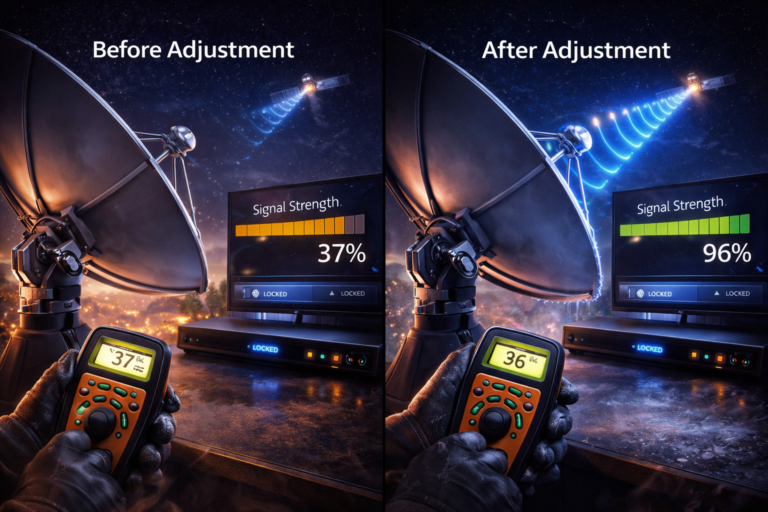
Start by checking signal quality. If it is low, adjust the dish alignment carefully.
Verify transponder data. Ensure frequency, symbol rate, and polarization are correct.
Check LNB switching. Confirm proper operation across bands and polarization.
Perform a manual scan instead of automatic scan for better control.
Inspect cables and connectors for signal loss.
If needed, test with another receiver to isolate the issue.
Scan problems are rarely caused by missing broadcasts. They are usually due to receiver or signal issues. Understanding how scanning works prevents unnecessary troubleshooting steps.
German channel scan problems on Astra 19.2 are technical, not random. By focusing on transponder lock, signal quality, and correct tuning data, you can identify the real cause and restore channel detection effectively.
FAQ
| Question | Answer |
|---|---|
| Why no channels appear during scan | Because the receiver cannot lock onto the signal or read data. |
| Does signal strength guarantee scan success | No. Signal quality is required for decoding. |
| Can outdated data cause scan failure | Yes. Incorrect frequencies prevent channel detection. |
| Should I use automatic scan | Manual scan is more accurate for troubleshooting. |
| Can receiver type affect scanning | Yes. Some receivers handle weak signals better. |